When it is pouring outside and nobody wants to go anywhere, a slow puzzle in a browser tab is hard to beat. We spent the morning of 19 October 2026 playing five tyttoot brain games on a desktop browser, nothing installed. Each section below says what we actually did, the scores the games gave us, and where we went wrong.
| Game | Exercises | One round | Good for |
|---|---|---|---|
| Memory Grove | remembering a sequence | a minute or two | a calm warm-up |
| IQ vs IQ | spotting visual patterns under a clock | 2 minutes (Quick) | quiz lovers |
| Lines Premium | planning moves ahead | as long as you like | slow thinkers |
| Onet Pets | scanning for pairs fast | 90 seconds (Level 1) | younger players |
| Sudoku All In One | pure logic | as long as it takes | a long, quiet afternoon |
Memory Grove: watch the medallions, then repeat them
Memory Grove is a "repeat after me" game dressed as a forest. The home screen is a set of signposts (Tree Hollow, Trail Map, Carved Stump, Wind Chime, Bird Mail, Endless Path and Field Guide), and the Field Guide sums up the rules in three lines: watch each glowing medallion in order, repeat the pattern, and know that "a mistake fades one leaf, then the grove replays the answer". Later "reverse trials" have to be entered last-to-first.

Level 1 shows four pet faces in a 2 by 2 grid. One lights up, then two, then more, and after each playback the header switches to "Your turn". You have three hearts.
Our first attempt went badly. We clicked while the sequence was still playing, the clicks did not count, and three faded leaves later the game showed "The echo faded" with a Retry Trial button. On the second attempt we waited for "Your turn" every time, slipped once ("A leaf faded", and the correct face lit up to show us), and cleared the level.
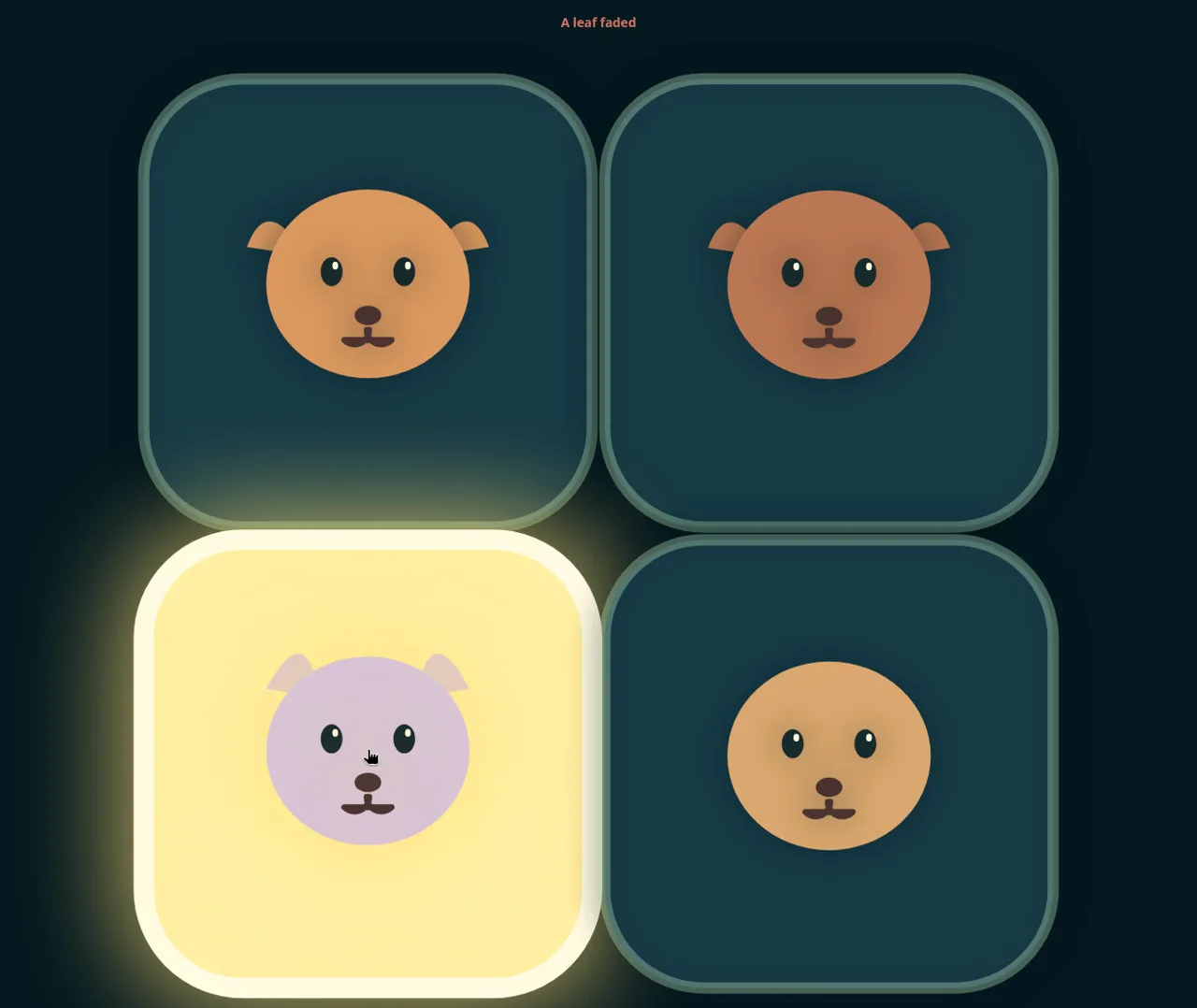
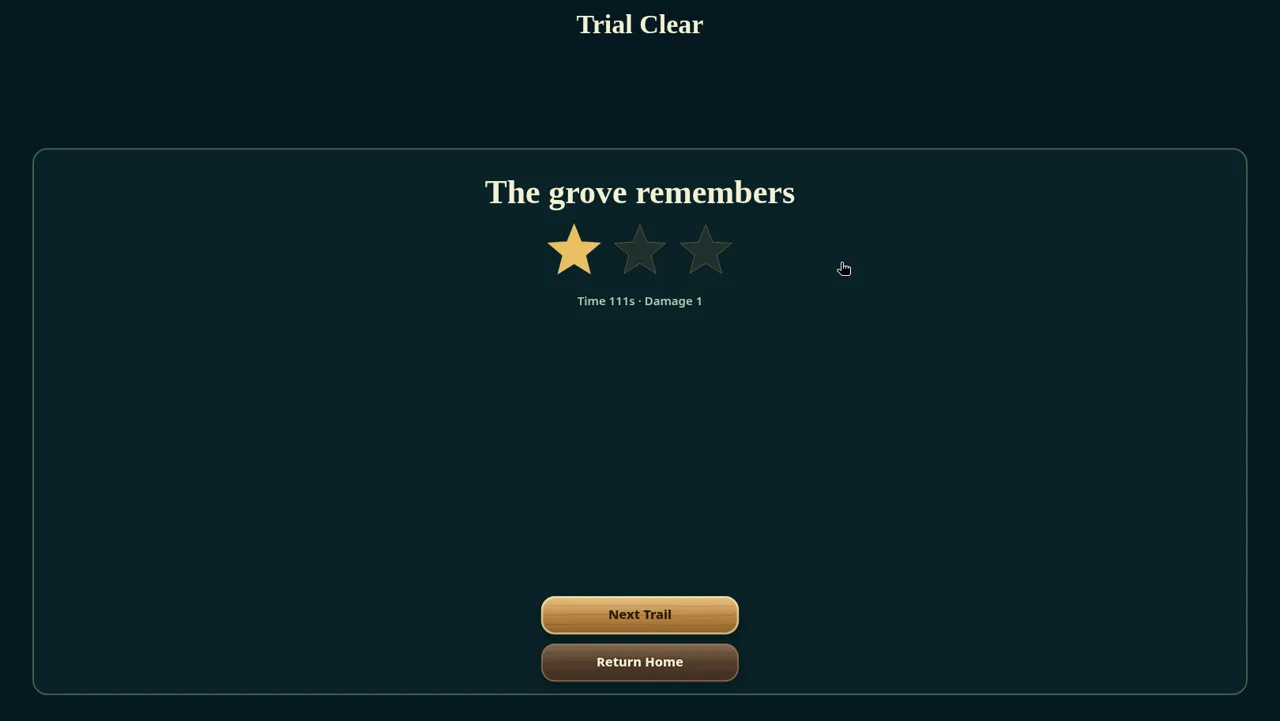
One star out of three, at 111 seconds against a 29-second par, tells you the stars reward speed and clean runs. The tip we took away: never tap during the playback. Wait for "Your turn", then tap at a steady pace. Saying the sequence out loud ("puppy, kitten, kitten, bear") helps more than you would expect.
IQ vs IQ: eight picture puzzles against the clock
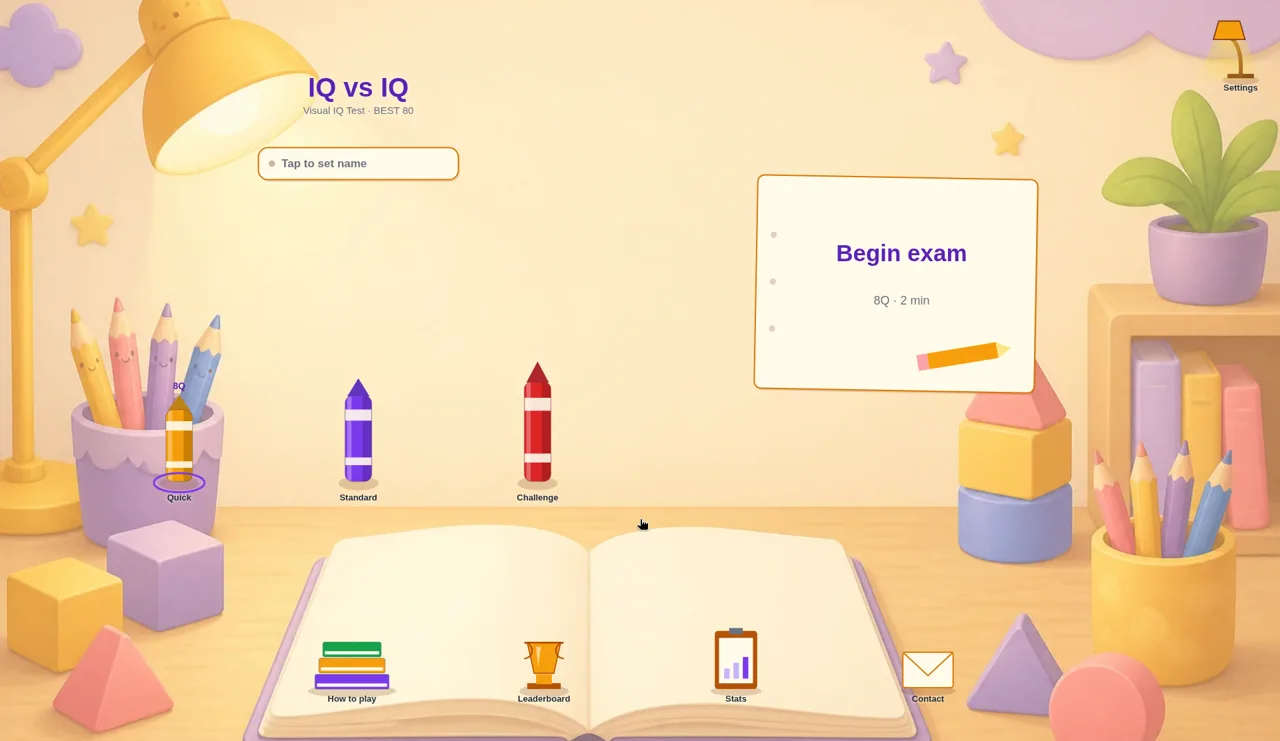
IQ vs IQ calls itself a "Visual IQ Test". The menu is a cosy desk with three crayons for the length of the test: Quick (8 questions, 2 minutes), Standard and Challenge. Press "Begin exam" and each screen shows one puzzle on the left and four answers, A to D, on the right. PREV and NEXT move between questions, a row of dots shows which ones you have answered, and SUBMIT ends the test.
The question types we met were short and varied: odd one out, shapes rotating 45 degrees, a growing star matrix, counting dots, a mirror-image arrow, a word analogy ("Night is to dark as day is to…") and the number of sides of a shape.
We played Quick twice:
- First run: 4 correct out of 8, which the game turned into "YOUR IQ 80, Average". We left one question blank by accident, and the confirmation box warns that blanks "count as wrong".
- Second run: 5 out of 8, "YOUR IQ 100, Above average" and a "NEW BEST!" banner. Again we ran short on time and left one blank.
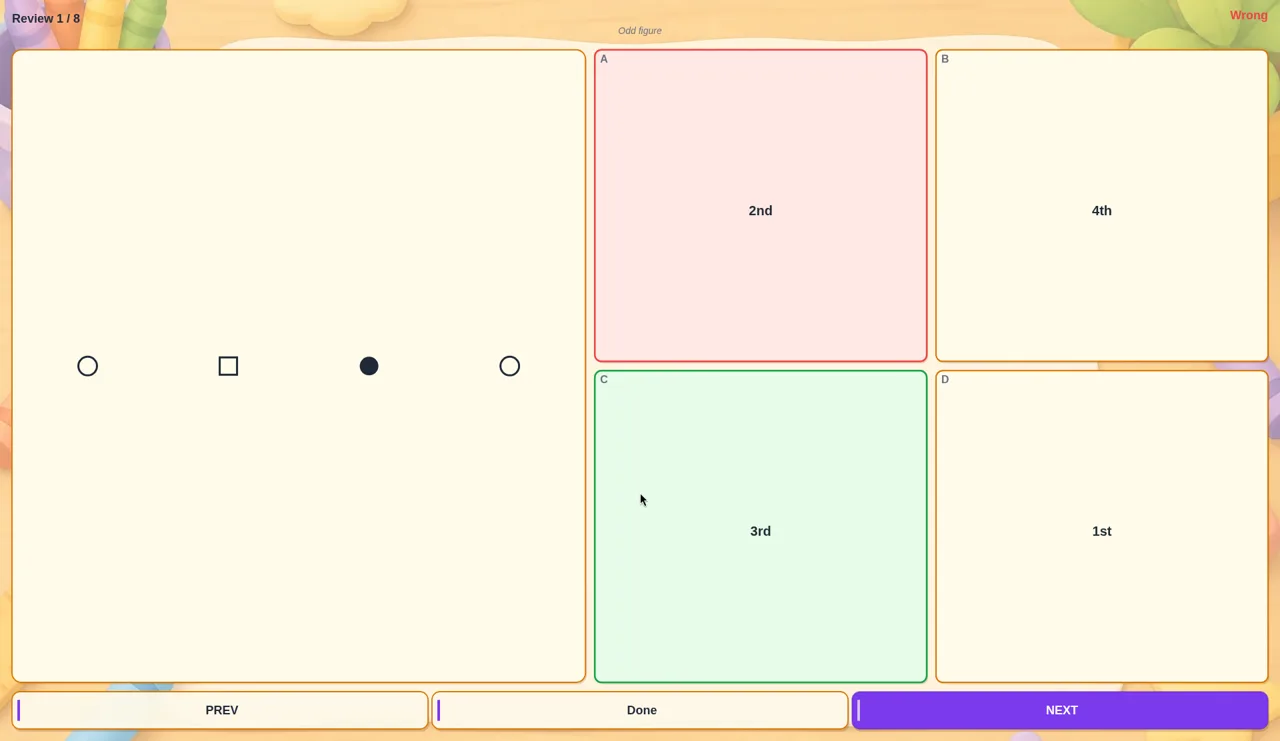
"Review answers" is the most useful button in the game. It walks through every question with your pick in red and the right answer in green. Our very first question was a good lesson: a row of circle, square, filled circle, circle. We chose the square; the answer key wanted the filled circle.
Tips: when a puzzle looks like it has two possible answers, check fill, size and direction as well as shape. Answer every question, even with a guess, before you submit. And treat the "IQ" number as a score for this quiz, not a real measurement of anything; it is a fun way to see if you beat yesterday's run.
Lines Premium: make lines of five, one move at a time
Lines Premium is the classic colour-lines puzzle with a level structure: the home screen promises "Many goals across 64 levels". Level 1 is a 9 by 9 wooden board with the goal "40 gold".
The rules take ten seconds to learn. Click a ball, then click an empty square, and the ball travels there if there is a clear path (it cannot jump over other balls). After every move, two new balls arrive. A small "Next" box shows their colours, and faint ghost balls on the board show where they will land. Five or more of one colour in a row, column or diagonal disappear and earn 10 gold.
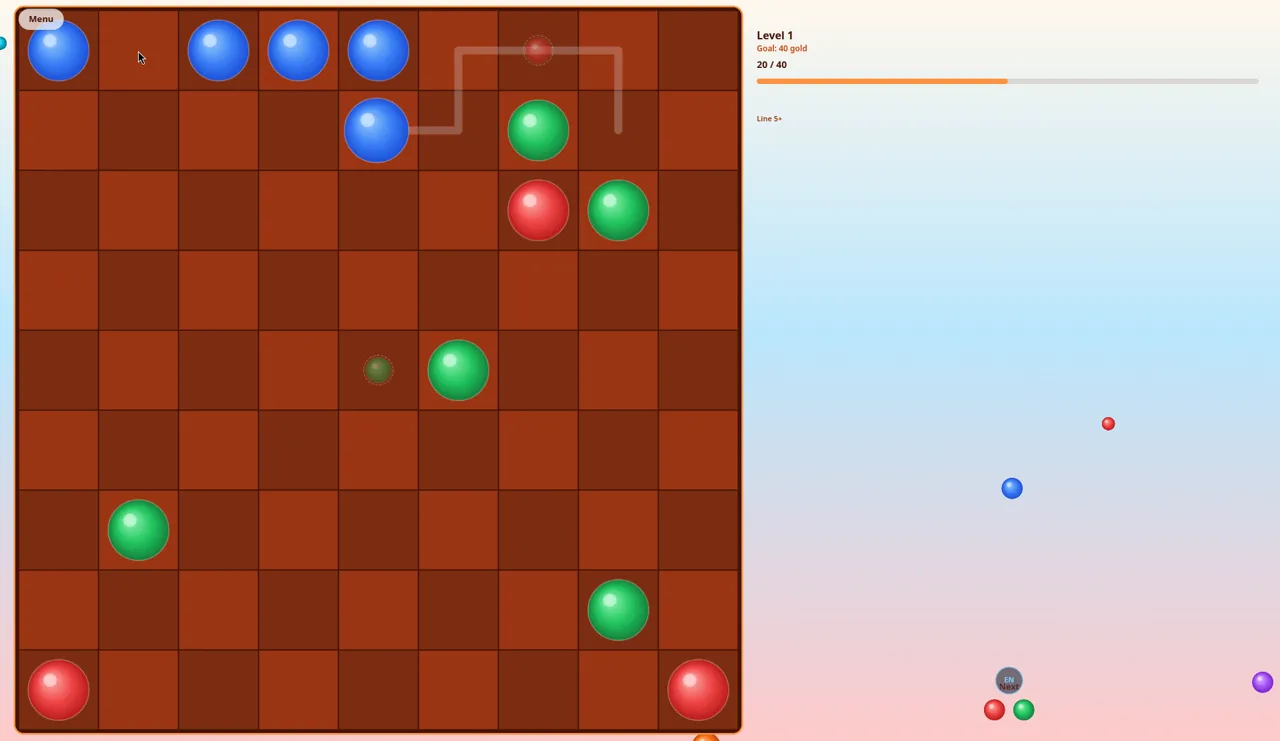
In about fifteen moves we cleared three lines (five reds on the bottom edge, five greens down the left side, and five blues across the top) and reached 30 of 40 gold before we stopped. Building along the edges worked well because the new balls rarely landed there.
Tip: work on one colour at a time, and glance at the ghost balls before every move so you do not leave a gap where a wrong colour is about to drop.
Onet Pets: link matching pets before the clock runs out
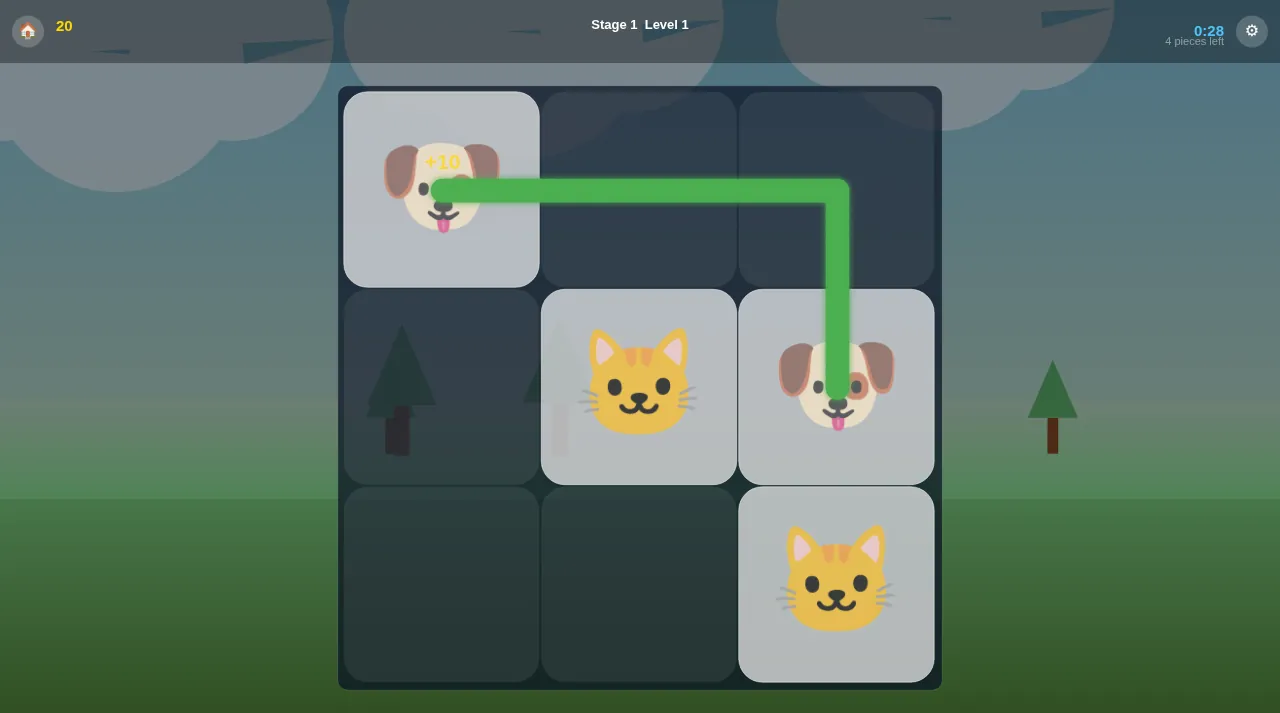
Onet Pets is a tile-matching game: tap two identical animals and they vanish, but only if a line with at most two turns (three straight pieces) can join them without crossing other tiles. Lines may run around the outside of the board. Our browser was set to Vietnamese, so the game showed its Vietnamese interface; a globe button switches language.
It has three modes: Classic (a countdown campaign where you clear pairs and hit a target score), Practice (no time pressure) and Blitz (a shorter clock with double points). Classic Level 1 is a 6 by 6 board of cats, pandas, koalas, puppies, mice, hamsters, tigers, bears, foxes and rabbits, with 90 seconds and a 180-point target. A Hint button and a Shuffle button sit on the right.
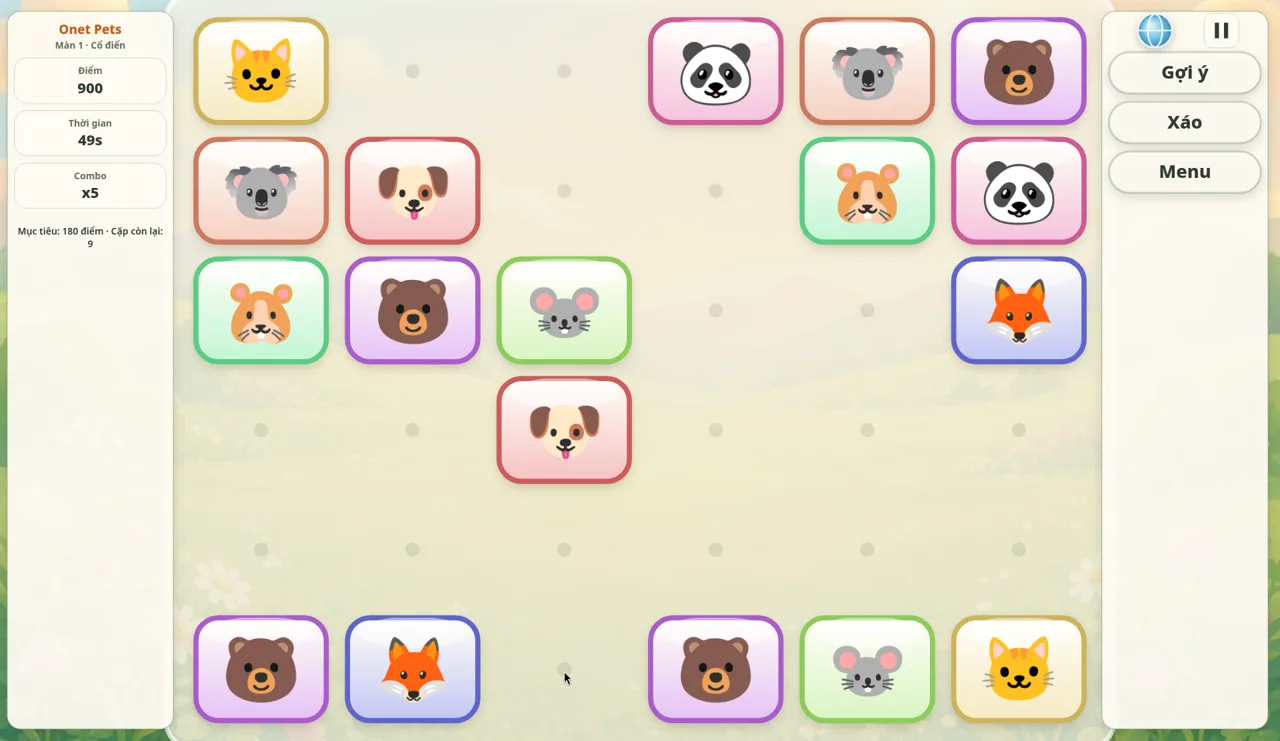
Matching quickly builds a combo multiplier, and our score climbed fast. We still ran out of time with one pair left: two koalas on opposite sides that needed a route over the top of the board, which we spotted a second too late.
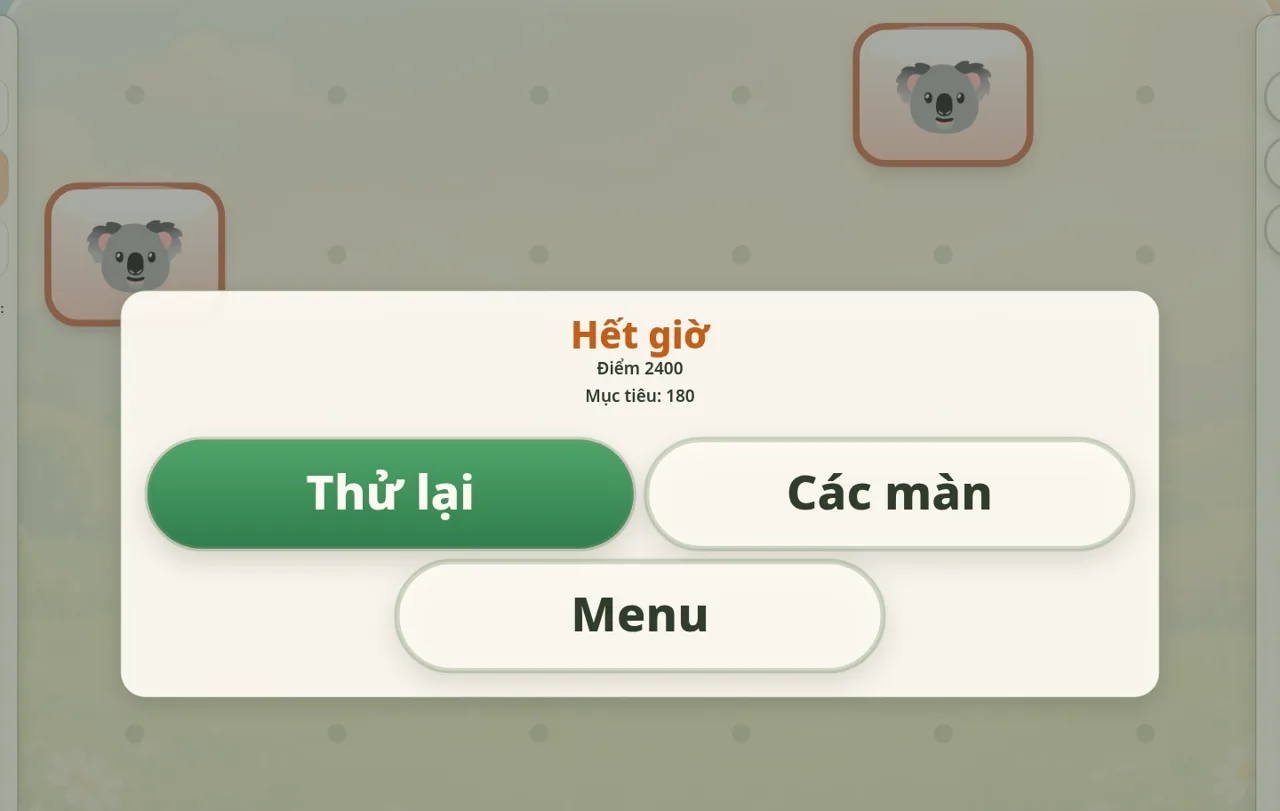
Tip: clear the outer rows first. Edge tiles can always connect around the outside of the board, and opening them up gives the middle tiles routes too. Leave the hard-to-see long-distance pairs for the Hint button.
Sudoku All In One: the long, quiet one
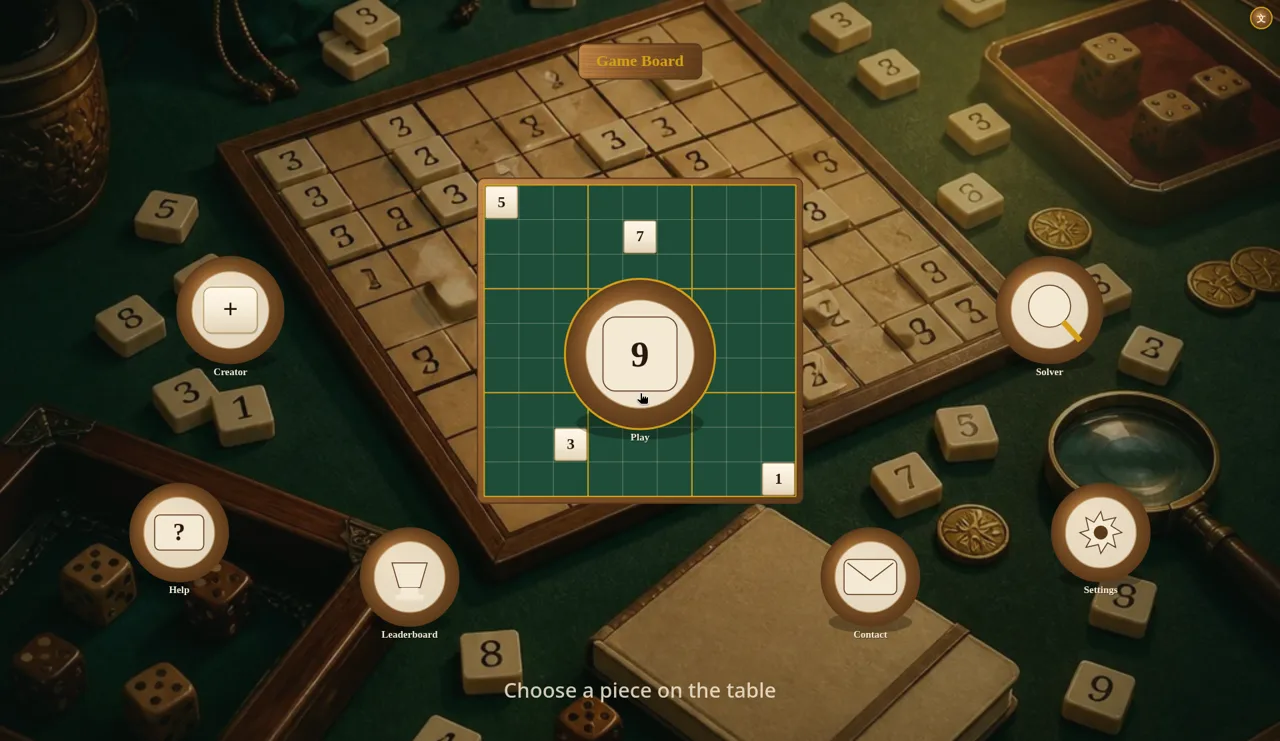
Sudoku All In One opens on a wooden tabletop scattered with number tiles and dice. The big "9" in the middle is Play, and round buttons around it lead to Creator, Solver, Help, Leaderboard, Settings and Contact. Play asks for a difficulty: Easy, Medium or Hard.
The board works the way you would hope. Click a cell, then a number on the side panel; the row, column, box and every matching digit light up, and a clash turns the digits red. The panel also has Notes, Undo, Redo, Hint, Erase and Reset.
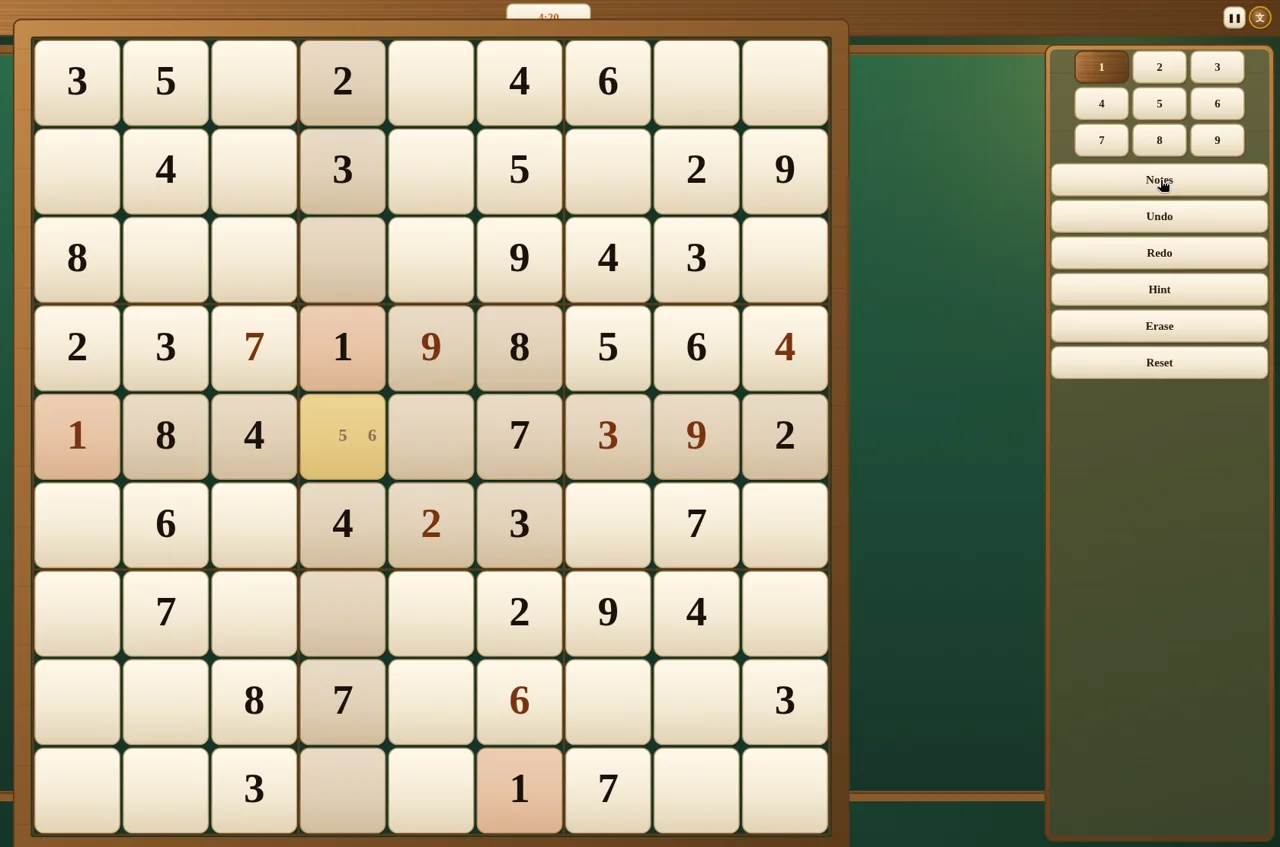
In about four minutes on Easy we filled nine cells. One misplaced 4 lit up red straight away because the same column already had a 4, so we erased it and found the 7 that belonged there. Notes paid off on the fifth row: it was missing only 5 and 6, so we pencilled both in and moved on until another clue settled it.
Tip: on Easy, scan for rows, columns or boxes that are missing only one or two digits before trying anything clever. We will look at the Creator and Solver modes in a separate guide.
More for a long rainy afternoon
If you have more time, we have written longer guides for other puzzle games in the same catalogue: Minesweeper board setup and chording, Reversi OK corners and edges, 2048 Star Forge modes and Touch Matching for beginners.
A plan for a wet day that worked for us: Memory Grove to wake the brain up, a Quick round of IQ vs IQ to compare scores with whoever is on the sofa, Onet Pets for the youngest player, then Lines Premium or Sudoku for the long stretch. All five open in a desktop or phone browser at tyttoot.com, and the Play boxes list other platforms only where a version is actually available.