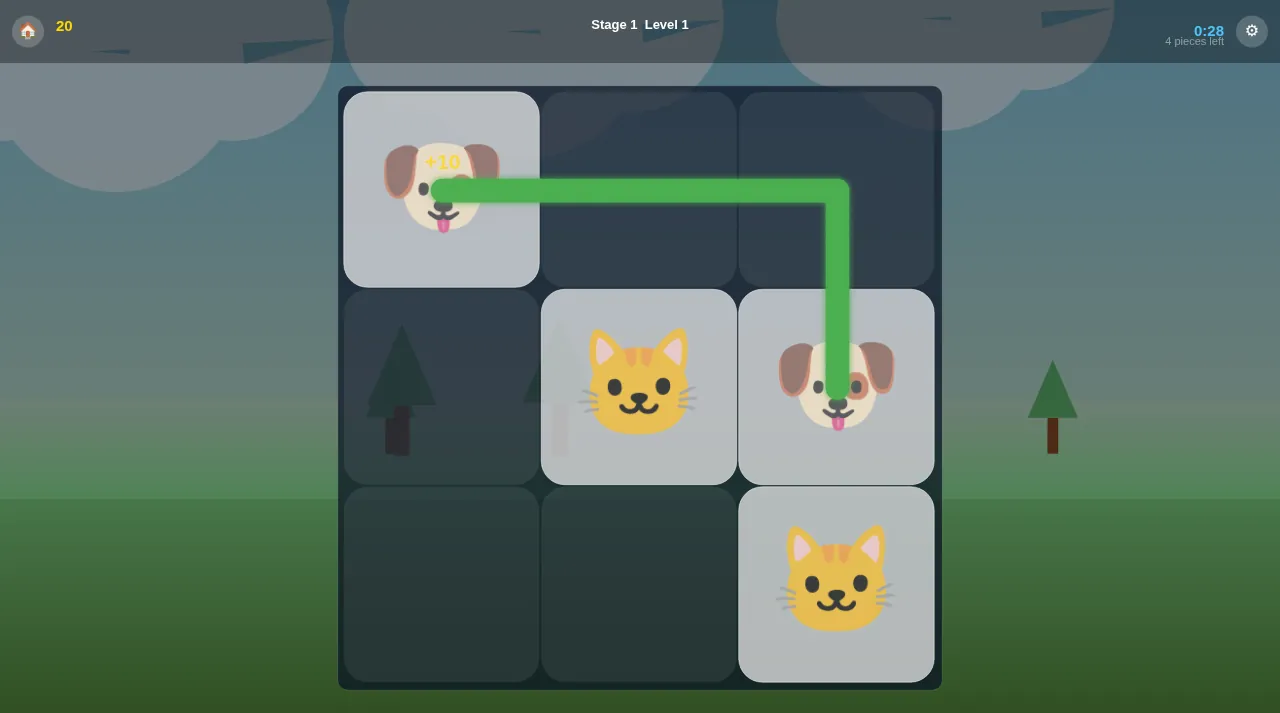
Touch Matching is a pair-matching puzzle: the board is a grid of picture tiles, every picture appears exactly twice, and you clear the board by joining twins. The twist that makes it more than a memory game is the path rule. In the default mode two tiles only match if you can link them with a short line that doesn't cross any other tile.
We played the web version on 9 October 2026, starting from Stage 1, Level 1, and tried each screen in the menu. Everything below comes from that session. Where we did not get far enough to check something, we say so.
Who it is for
- Casual puzzle fans who like short rounds. The first levels in Stage 1 are 3×3 boards with three pairs, and a round takes well under a minute.
- Families with young children. Kids Mode drops the path rule and the clock, so a child only has to spot two identical pictures.
- Anyone on a browser. The web version opened straight into the game for us, with no account or sign-in.
Getting started
The first screen says "Match the pairs!" and has a Start button. That tap also turns on sound. The main menu is drawn as a tree over a pond, with four branches:
- Play starts your next level. After our first session the same button read Continue.
- Levels opens stage and level selection.
- Settings is where you choose the rule mode (more on that below).
- Help has a three-tab "How to Play" sheet: Basic Rules, Kids Mode and Timed.
A small pill at the bottom of the menu shows the active mode ("Normal" by default, "Kids Mode" after we switched). An EN button in the top-right corner handles the language.
How a level works
During a level the top bar shows a home button and your score on the left, "Stage 1 Level N" in the middle, and on the right a countdown and a "pieces left" counter. A gear button sits in the corner.
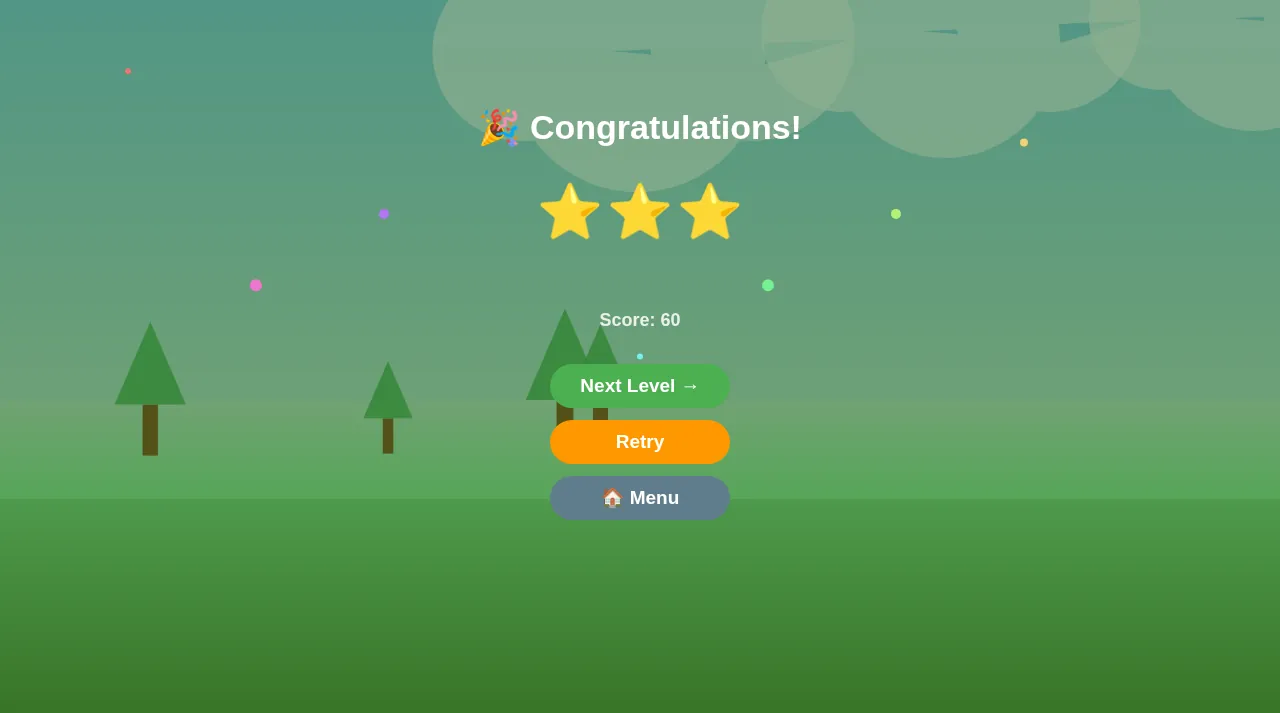
Tap one tile, then tap its twin. If the two can be connected, a green line traces the route, a +10 pops up, and both tiles vanish. Clear every pair and you get a "Congratulations!" screen with up to three stars, your score, and Next Level, Retry and Menu buttons.
The path rule (Basic Rules)
Help puts it in two lines: "Path max 3 segments (2 turns)" and "Path must be clear (not blocked)". The Settings screen says the same thing another way: connect two identical shapes "with 1, 2, or 3 straight lines (horizontal/vertical)". In practice:
- Neighbouring twins always match: one straight segment.
- An L-shape (one turn) or a Z/U-shape (two turns) is fine, as long as every cell the line passes through is empty. The cover image shows a one-turn match from our first level.
- Diagonal lines and three-turn routes don't count.
When we tapped two cats that had another tile in the way, nothing was removed. The fix was to clear the tile that sat between them first.
The three modes
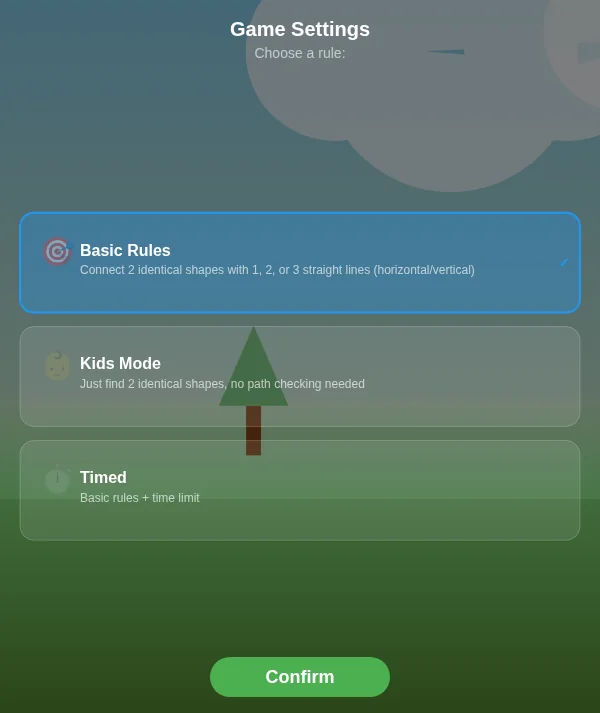
Open Settings, pick a rule and press Confirm:
| Mode | What the game says | What we saw |
|---|---|---|
| Basic Rules | Connect two identical shapes with 1, 2 or 3 straight lines | The default. Our Stage 1 levels had a 45-second countdown. |
| Kids Mode | Just find 2 identical shapes, no path checking needed | No countdown in the top bar, and the level card shows ∞ instead of a time. We matched two cats that were blocked, and the line went straight across the board diagonally. Finishing gave one star. |
| Timed | Basic rules + time limit | We didn't play this mode, so we can't describe it beyond the in-game text. |
Help explains the stars: one star means you completed the level, two mean you completed it quickly, three mean very quickly. We didn't measure the exact cut-offs, so we won't guess them.
The level map
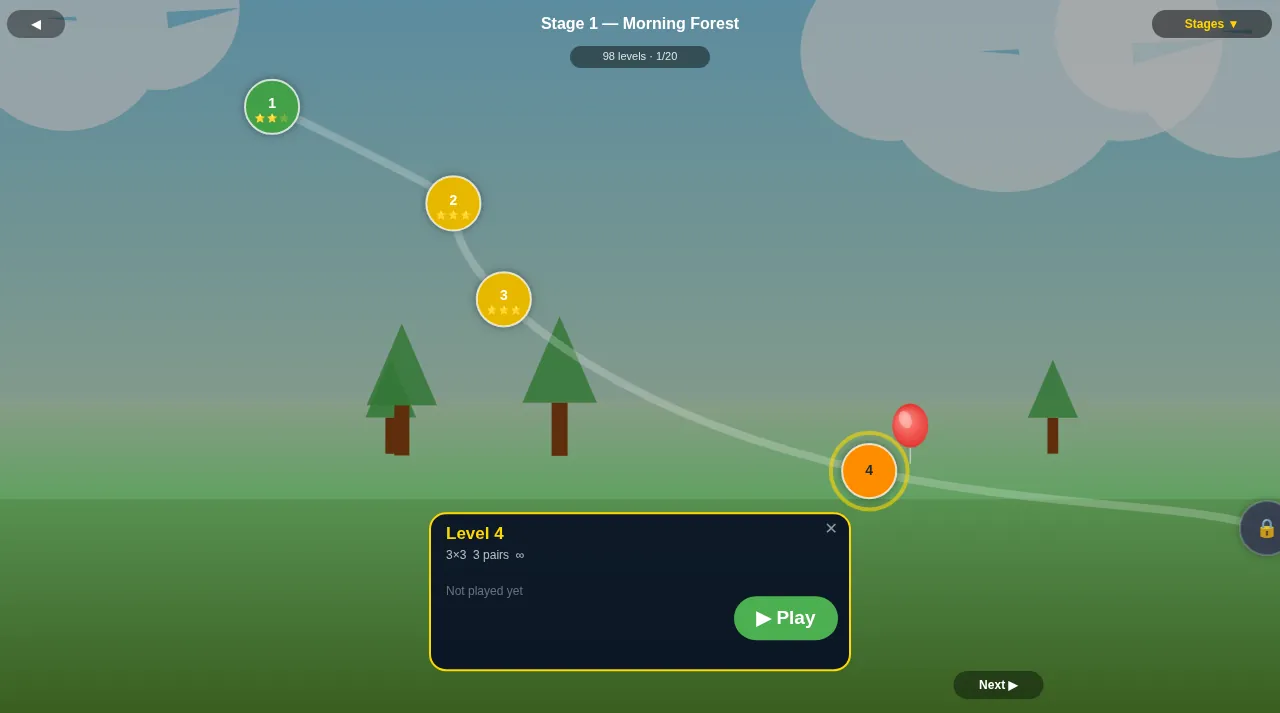
Levels first shows world tabs: Nature, Cuisine, Animals, Urban and Mystic. Inside Nature, Stage 1 is called "Morning Forest". Its map said 98 levels, spread over pages of five that you move through with Next ▶ and ◀ Prev. Only Stage 1 was open for us, and later levels show a padlock until you beat the one before.
Tap an unlocked level and a card shows its board size, pair count and time limit before you press Play. A balloon marks where you are, and the stars you earned appear under each level. When we replayed Level 3 in Kids Mode and only got one star, the map still showed the three stars from our earlier run, so a weaker replay doesn't overwrite a better result.
Tips from our session
- Plan first, then tap in one go. The clock keeps running while you think. Spot all the pairs, work out an order, then tap them one after another. Level 1, played slowly with about 26 of 45 seconds left, gave us 2 stars and 40 points. Levels 2 and 3, each solved with three quick matches in a row, gave 3 stars and 60 points. So speed raised both the stars and the score.
- Clear the blocker, not the target. If a pair can't connect, look for the tile sitting in its path. On Level 3 the two cats were blocked by a dog. Matching the dogs first opened a two-segment route for the cats.
- Start with neighbours. Twins that touch always match, and removing them opens space for the longer routes.
- Count turns with your eyes. Before tapping a distant pair, trace the route: across, down, across is two turns and allowed. If you need a third turn, clear something first.
- Use Kids Mode for the youngest players. With no path rule and no countdown, it turns the game into "find the twin". Every finished level is a success, worth one star.
- Replay for stars. Retry is right on the results screen, and your best stars stay on the map.
What we haven't covered yet
The game's own description mentions more: 50 stages across five worlds, hidden pairs, combo scoring, and a board that reshuffles itself when no moves are left. Our session stayed on the first 3×3 levels of Stage 1, so we couldn't check any of that ourselves. We'll write about it once we have played that far.