On 11 October 2026, thirty-two tyttoot games became playable in the browser at once, from arcade shooters to farm sims. That is too many to review properly in one go, so we opened the whole batch on desktop on 15 October, played the ones that grabbed us, and kept a short list. These four were easy to start, clear about their rules, and worth a second round. Every screenshot is from our own session.
| Game | Type | Controls on desktop | Good for |
|---|---|---|---|
| Prism Merge | timed merge puzzle | drag a shard onto a neighbour | five-minute breaks |
| Table Pong | neon table tennis vs AI | move the mouse up and down | quick reflex matches |
| Sky Stack | timing tower builder | click to drop a floor | relaxed one-button play |
| Coin Vault | match-and-clear under pressure | click a group of coins | puzzle fans who like a ticking clock |
Prism Merge: climb the colour spectrum
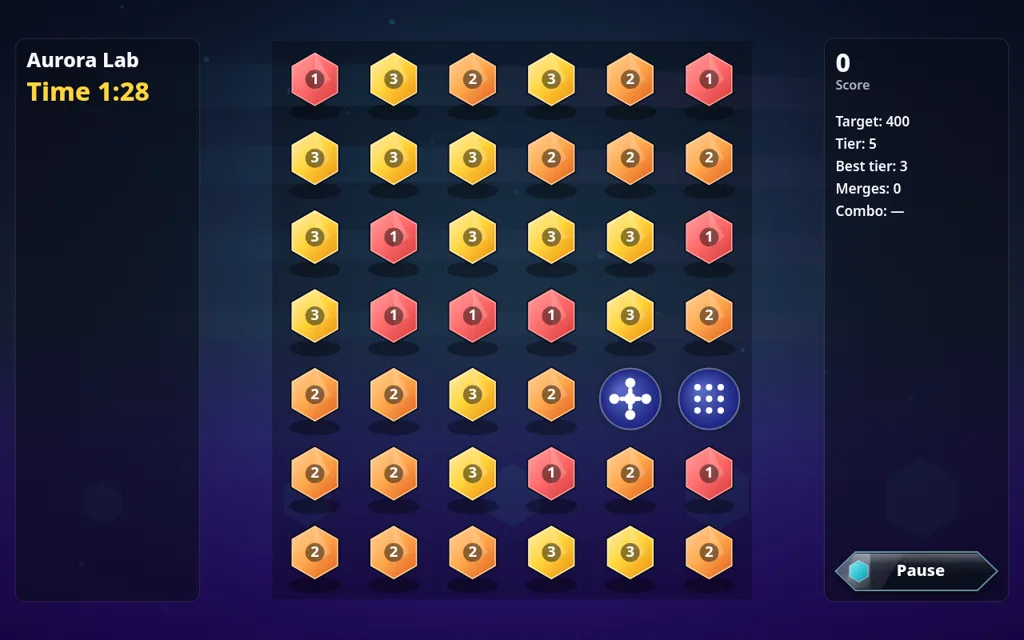
Prism Merge fills a 6 by 7 board with numbered crystal shards. Drag one shard onto an adjacent shard with the same number and they merge into the next tier, climbing from red through orange, yellow and green. The side panel tracks your score against the stage target, your best tier and your merge count. Each stage runs on a timer.
Two things we noticed:
- The direction of the drag matters. A merge fires a beam of light in the direction you dragged, and on our first run the status bar announced "Beam cleared a shard!". Before you drag, look at what sits in the beam's path.
- The round chips are tools, not shards. Leave them alone until you know what you want them to hit.
Our first quick run ended on a one-star Stage clear screen, so there is clearly more to learn about scoring stars. It is still the most "one more go" game of the batch.
Table Pong: pick your AI rival
Table Pong is side-on table tennis on a glowing blue table. Choose Classic, Arcade, Practice or Two players, then a rival and a difficulty. The rivals are computer opponents with personalities. At the start only Rookie and Wall are unlocked, and the rest show as "???".
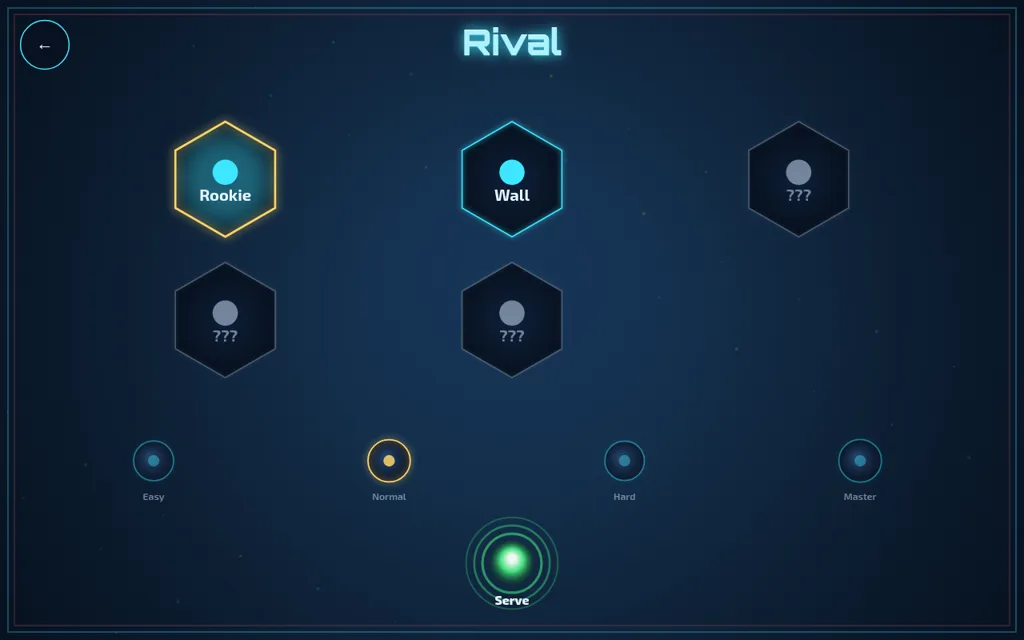
You are the cyan paddle on the right and follow the mouse up and down. Click to serve. On Normal against Rookie, our first rally lasted a few hits before the AI's red paddle won the point, 0–1 to the AI.
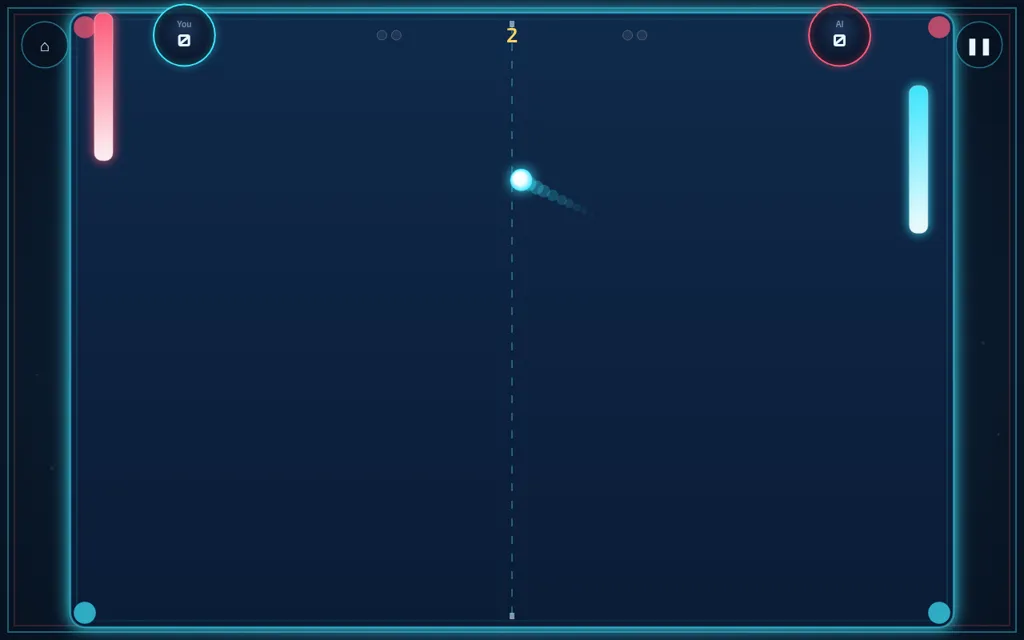
Tip: keep the paddle near the middle between shots. Fast moves to the edge leave you stranded when the ball comes back at a steep angle.
Sky Stack: build a city in the clouds
Sky Stack is a calm one-button game. A crane swings pastel apartment floors back and forth, and you click to drop each floor onto the one below. A floor that lands cleanly on the edge counts as Perfect. One that lands off-centre still stacks, but the overhang makes the next drop harder. Each level asks for a set number of floors, and every floor brings new residents into your city.
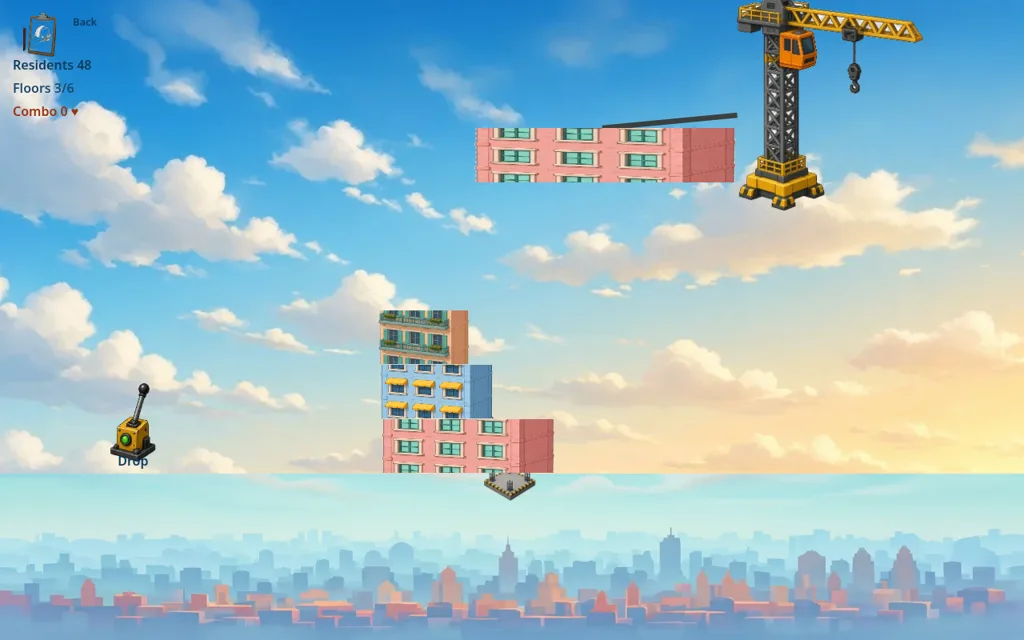
The game is arranged as districts (Harbor Dawn, Midtown Breeze, Stone Ridge, Cloud Crown and Skyline Finale), and each district has five levels. Only the first is open at the start. Our tip: click when the floor is lined up, not when it looks close. The crane is steady enough that waiting half a beat pays off.
Coin Vault: clear coins before the vault fills
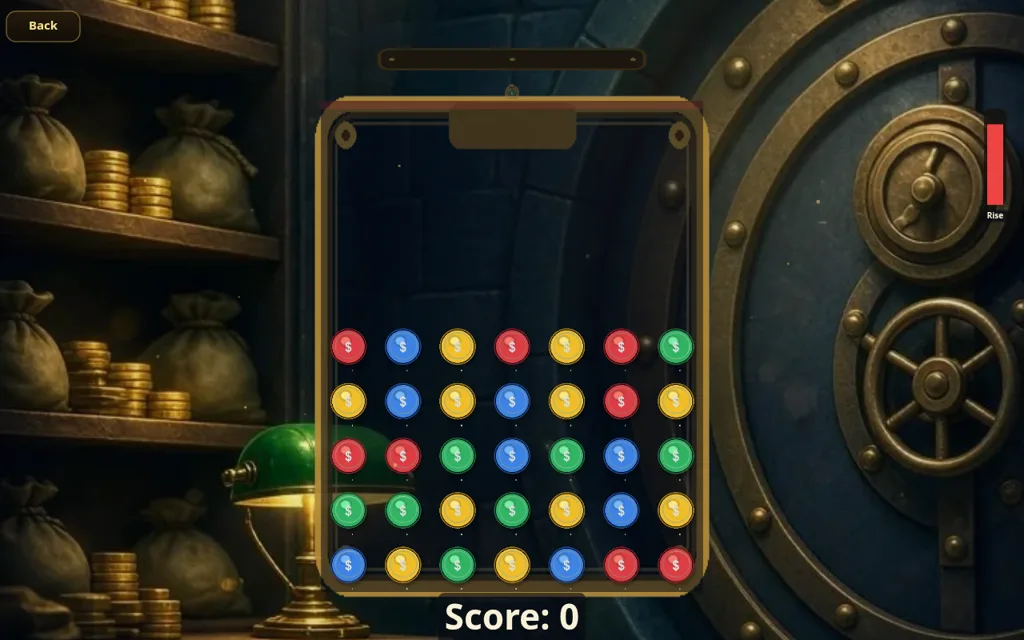
Coin Vault asks you to choose a mode first. In Action, new rows of coins rise on a timer. In Strategy, rows only rise after a few clears, so you can plan each match. Each mode has its own stage map of 20 stages. You click a connected group of three or more matching coins to clear it.
We learned the rule the hard way: our first clicks were on pairs, which do nothing. Meanwhile three new rows rose in Action mode and the Rise meter on the right went from yellow to red. If you are new, start in Strategy mode, where nothing moves until you do, and learn to spot groups of three before trying Action.
Also worth a look
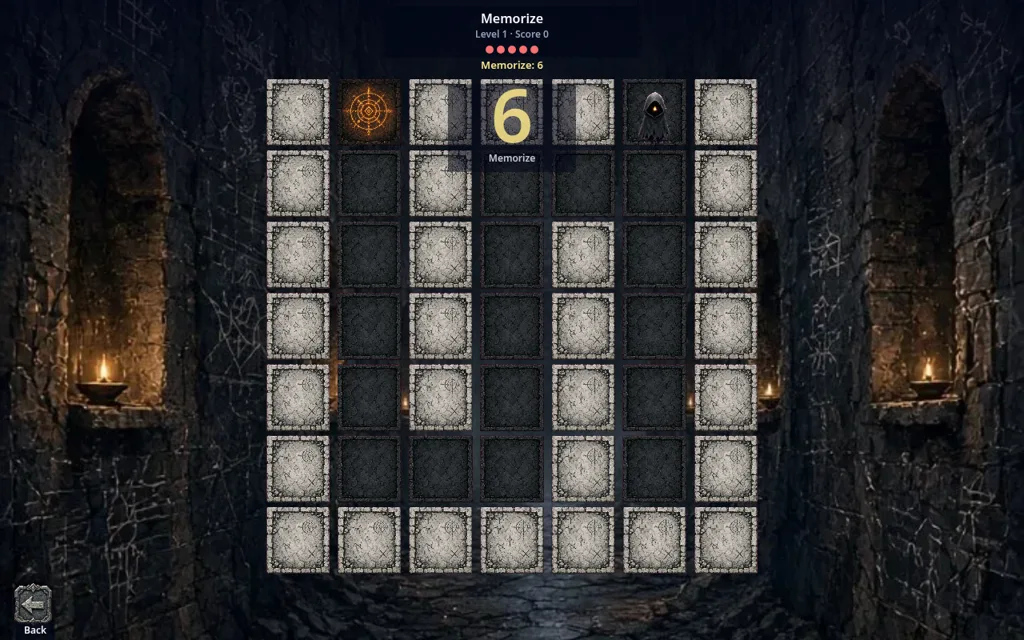
From the same batch, Shadow Memory is a candlelit maze you memorise and then walk in the dark. We covered it in our Halloween family-night roundup. We will keep working through the other new arrivals and write up the ones that hold up after a proper session, rather than listing all thirty-two.