Blast Maze is a grid maze with bombs: you walk one tile at a time, drop a bomb to break crates, remove the enemies and then step onto the exit. It plays in the browser; the Play box at the end of this article shows where it is live.
We played the web build on 22 October 2026 in the browser with a keyboard. We lost a few runs on stage 1 before clearing it with 2 of 3 stars and 120 points, and then lost all three lives on stage 2. Here is what we learned, mistakes included.
The title screen and the twelve stages
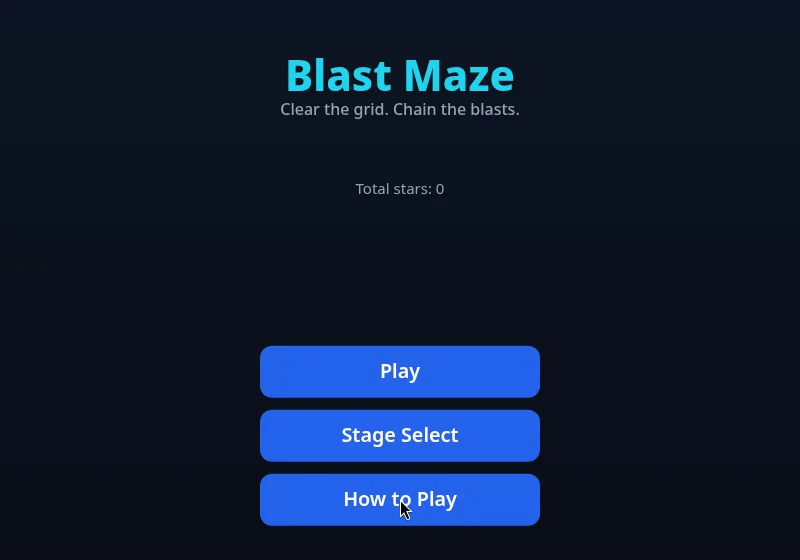
The title screen sums the game up in one line: Clear the grid. Chain the blasts. Below it you see your total stars (0 for us) and three buttons: Play, Stage Select and How to Play.
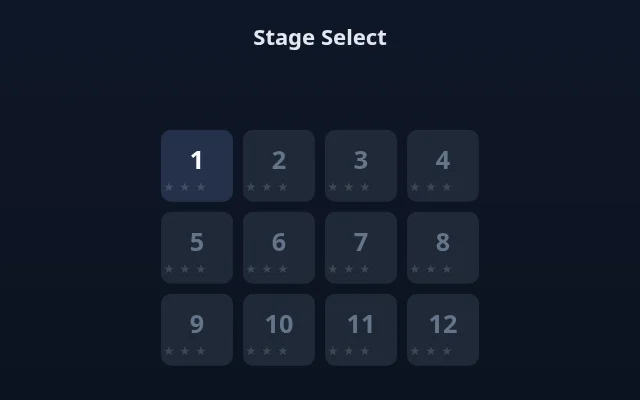
Stage Select lists 12 stages, each with three star dots. At the start only stage 1 is unlocked.
What How to Play says

The four lines are the whole game: move one tile at a time, place a bomb to break crates, chain blasts to clear corridors (the game's own hint; we did not manage a chain ourselves), and reach the exit once the enemies are gone.
Controls on desktop and touch
- Keyboard: click the game once so it has focus, then the arrow keys move and Space drops a bomb. A short tap moves one tile; holding the key a little longer slides two tiles.
- On screen: a D-pad sits bottom left and a round bomb button bottom right. Clicking and holding the D-pad with a mouse moves you too, but it felt less precise than the keys.
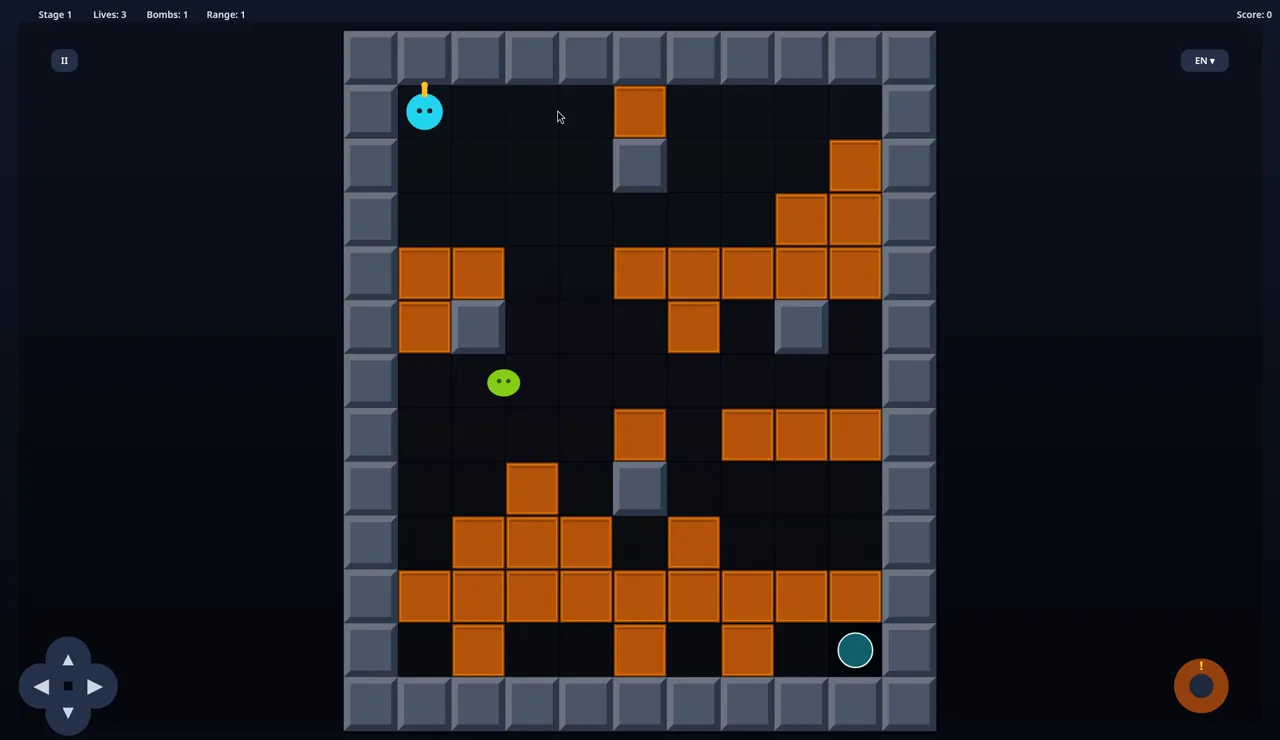
You start with Lives 3, Bombs 1, Range 1. We saw no timer on stage 1.
How a bomb really behaves
This is where we lost most of our early lives:
- The bomb lands on your own tile, and you cannot walk back through it. It blocks the corridor.
- It goes off after about 2 seconds.
- With Range 1 the blast reaches only the four tiles next to the bomb.
- Every crate it breaks is worth +10. One well-placed bomb broke three crates at once for +30.
- Your own blast costs a life if you are still in the bomb's row or column within range. Touching the green enemy costs a life too. After a lost life you respawn in the start corner.
Our first attempt ended with Game Over at 10 points: most of those lives went to our own bombs. Another attempt ended at 80 when the enemy walked straight into us. The Game Over screen shows your score with Try Again and Home.
The run that cleared stage 1
The green blob on stage 1 wanders mostly at random and sometimes drifts toward you. What worked was waiting: when the blob wandered next to us, we dropped a bomb, got out of the bomb's row and column, and the blast caught it.
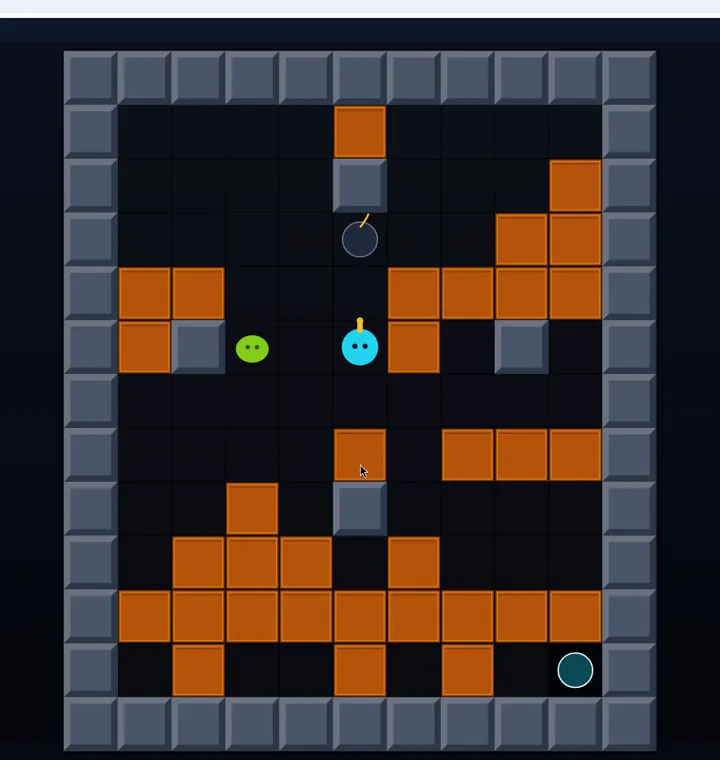
Removing the enemy gave +100, and the exit circle in the bottom-right corner changed from dark teal to bright cyan. Next we bombed the crate just above the exit. It left a small pink dot; walking onto it showed an Extra life banner and our Lives went from 2 back to 3 (Bombs and Range stayed at 1).
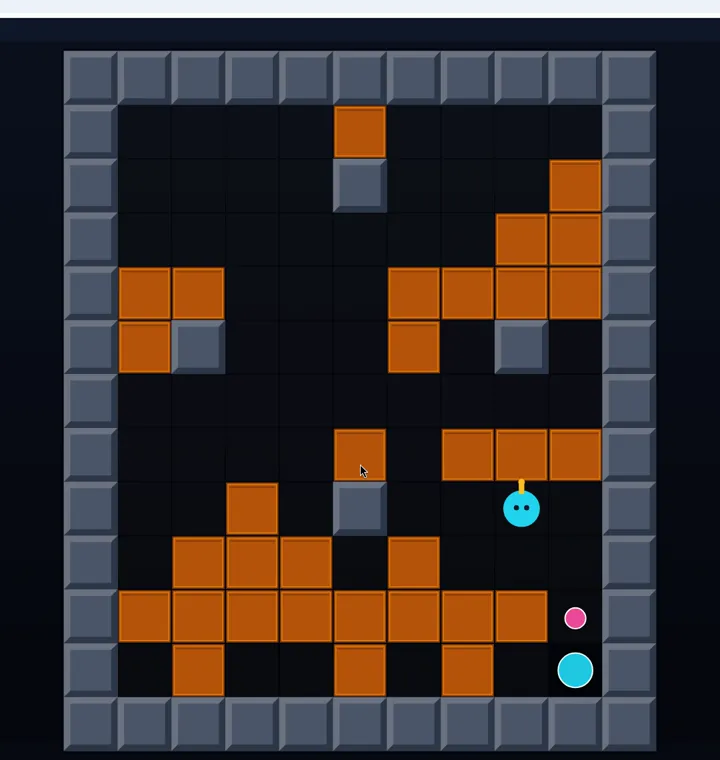
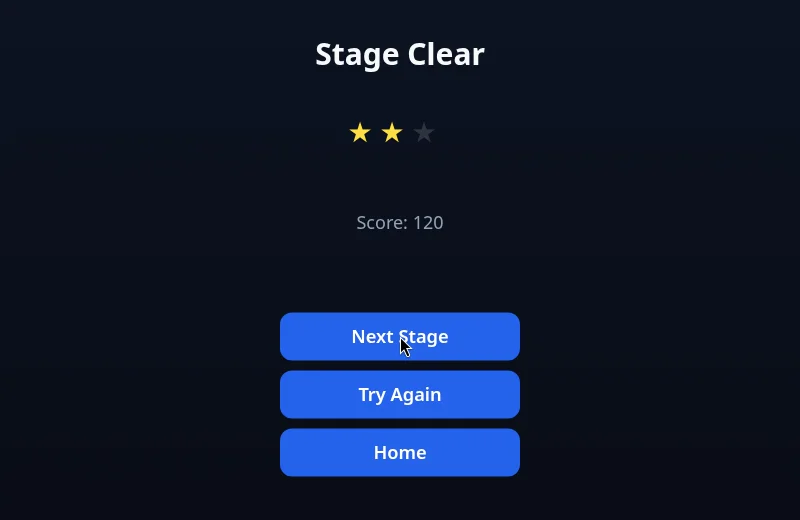
Walking onto the lit exit cleared the stage: Stage Clear, 2 of 3 stars, Score 120, with Next Stage, Try Again and Home. We do not know what earns the third star; the game did not tell us, and we would rather say so than guess.
Stage 2: where we lost
Score and lives reset every stage: stage 2 started at Lives 3 and Score 0. The grid has more crates and two green enemies, which moved faster than the one on stage 1 and drifted toward us. We lost all three lives there and did not clear it (Game Over, Score 0).
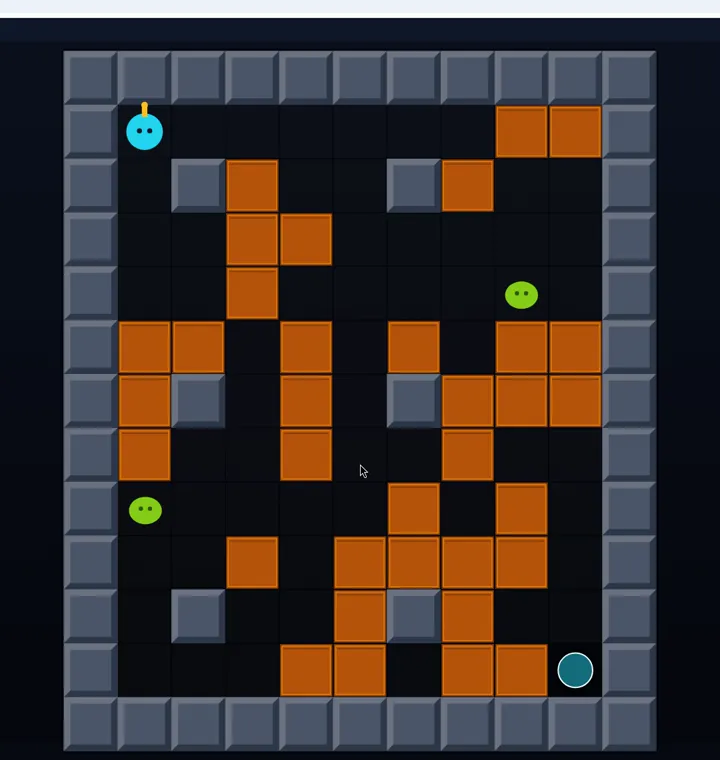
The game's description promises three enemy types across the twelve-stage campaign; on stages 1 and 2 we only met the green blob.
Tips for your first stages
- Plan the escape tile first. Before you press Space, pick a tile around a corner, out of the bomb's row and column.
- Bomb, then leave the line. One step along the same row is not enough. Turn a corner.
- Let the enemy come to you. Drop the bomb where it is heading instead of chasing it.
- Enemy first, exit second. The exit only lights up once the enemies are gone.
- Check fresh holes. A broken crate can leave a pickup; ours was an extra life.
- On stage 2, open space early. Break crates around the start so the two enemies cannot pin you in a dead end.