Can You Spot is a quick eye-test puzzle: a grid of identical tiles, one of them different, and a short timer. It plays in the browser; the Play box at the end of this article shows where it is live.
We played the web build on 12 November 2026 for about eleven minutes with a mouse. Our best Classic Climb run reached 21, a second run stopped at 8, and a Zen Spot run ended at 5. We were too slow for Speed Spot and Shade Lab and scored 0 in both, so this guide says less about them. Here is what we saw.
The Eye Lab hub
The page opened in Vietnamese for us. We switched to English under Settings, then the language option. Right after choosing, the open Settings panel still showed the old language; once we closed it, the hub and the game were in English.
The hub, titled EYE LAB, has a big Play button plus Modes, Collection, How to play, Leaderboard, Contact support and Settings. Under the tray there is a Player line (Tap to set your name) and your best score for the selected mode. We did not set a name.
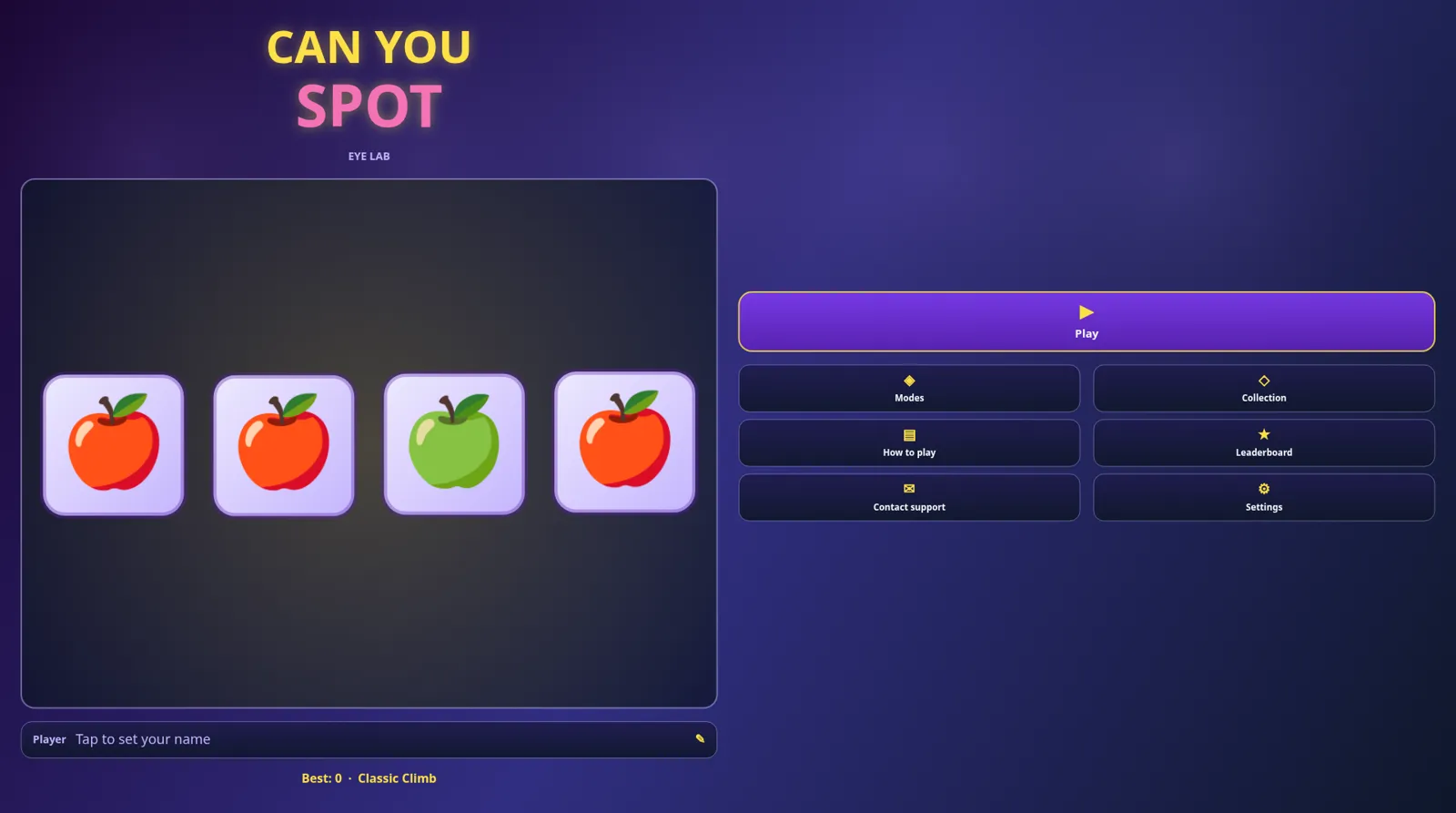
The rule fits in one line from How to play: Tap the one different tile on the lab tray. You tap one tile, not a pair. Every other tile is identical.
The four modes
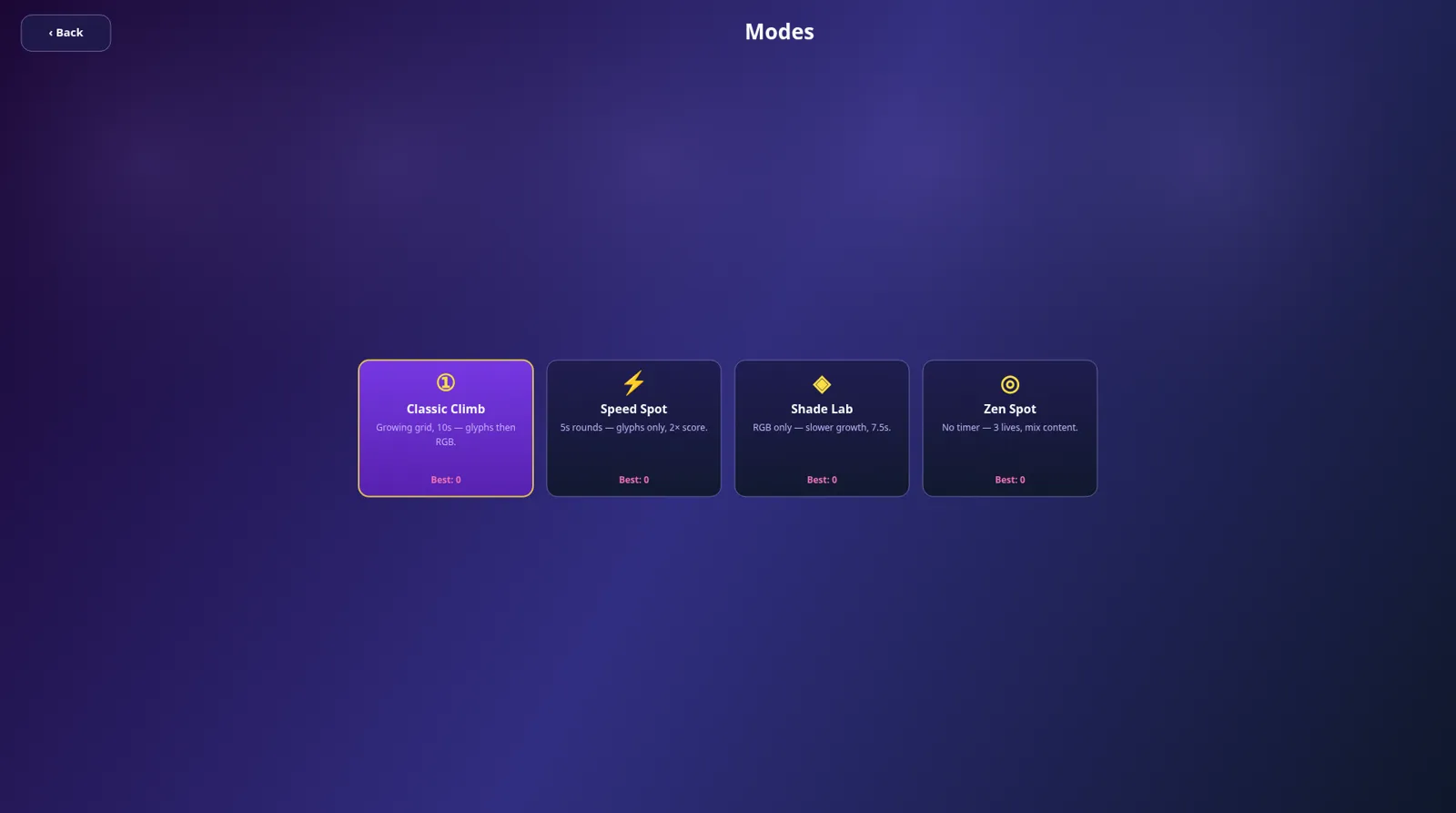
Modes shows four cards, each with its own best score:
- Classic Climb: Growing grid, 10s — glyphs then RGB.
- Speed Spot: 5s rounds — glyphs only, 2× score.
- Shade Lab: RGB only — slower growth, 7.5s.
- Zen Spot: No timer — 3 lives, mix content.
Classic Climb: how the grid grows
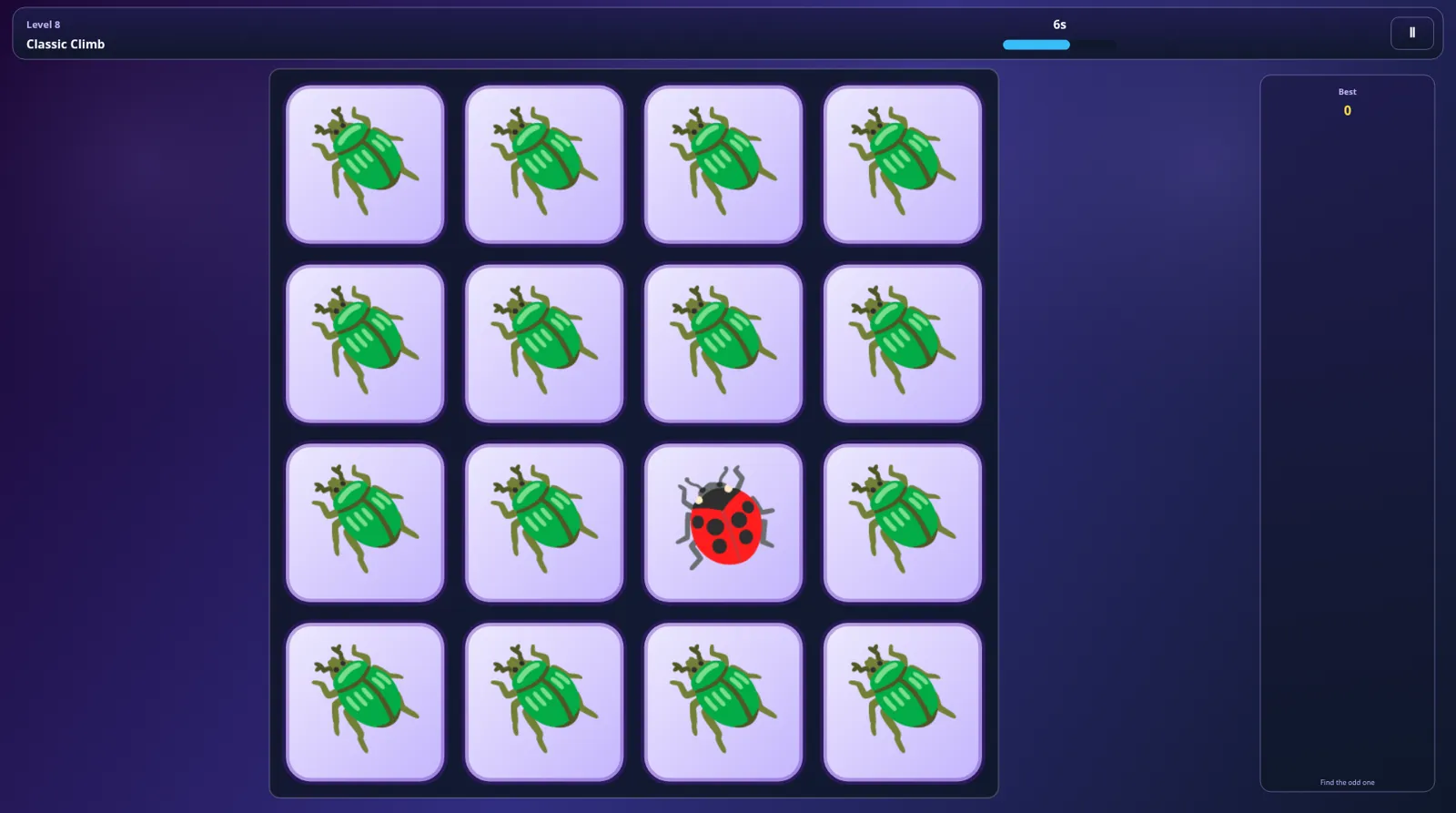
Each round starts at 10s, and the timer bar refills when you find the odd tile. A wrong tap or running out of time ends the run. The tiles are small pictures (animals, food, objects); at level 8 it was one red ladybug among green beetles.
The grid grew like this in our runs:
| Levels | Grid |
|---|---|
| 1–4 | 2×2 |
| 5–7 | 3×3 |
| 8–10 | 4×4 |
| 11–14 | 5×5 |
| 15–17 | 6×6 |
| 18–20 | 7×7 |
| 21 and up | 8×8 |
Our first run cleared 21 rounds. At level 22 we tapped the wrong tile and the run ended at once with Score: 21 and New best! Our second run cleared 8 rounds and then ran out of time on level 9: Score: 8, Best: 21. The result card offers Try again, Modes and Home.

The mode card says Classic moves from pictures to colour shades later on. We did not get far enough to see that switch.
Speed Spot and Shade Lab
Speed Spot uses a 2×2 grid at the start, with a trumpet among saxophones or a face moon among plain moons. Five seconds was not enough for us in either attempt, so we cannot confirm the 2× score in practice.
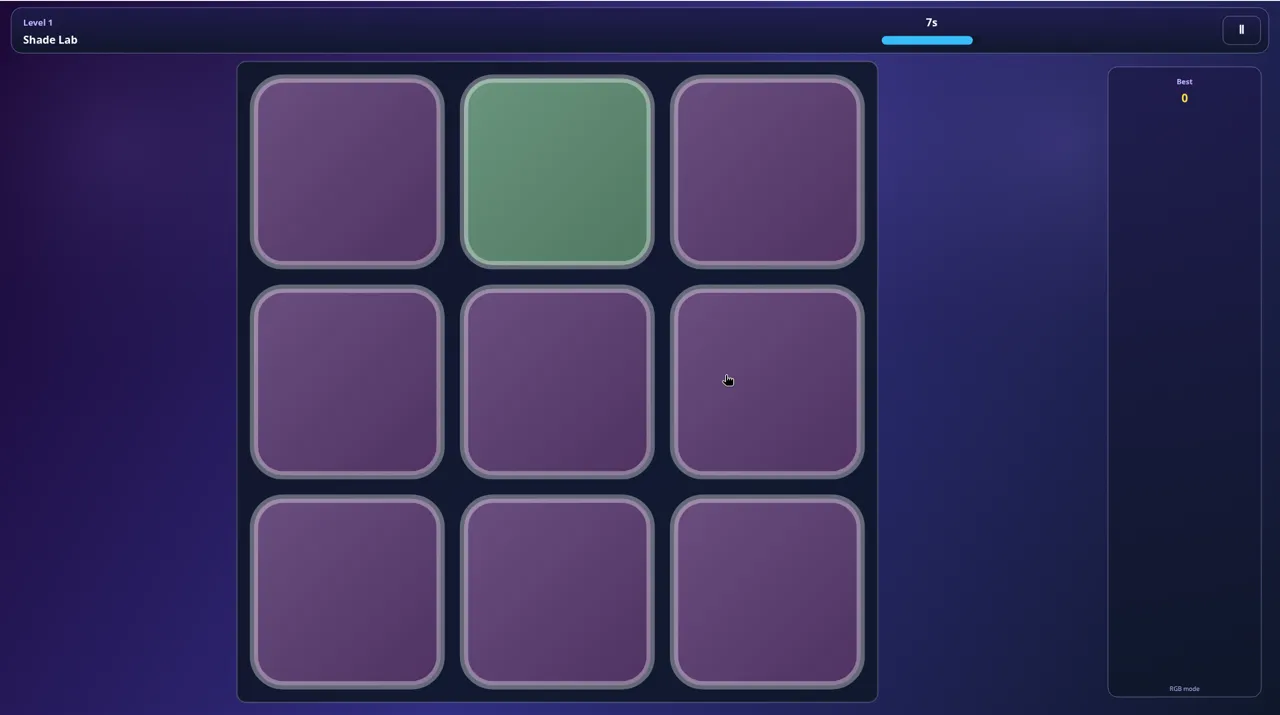
Shade Lab has no pictures, only colour. Level 1 was a 3×3 grid with one green tile among purple ones, and the timer read 7s. The first difference was easy to see; we ran out of time before tapping in both tries, so we cannot tell you how subtle the shades get later.
Zen Spot: three lives, no clock
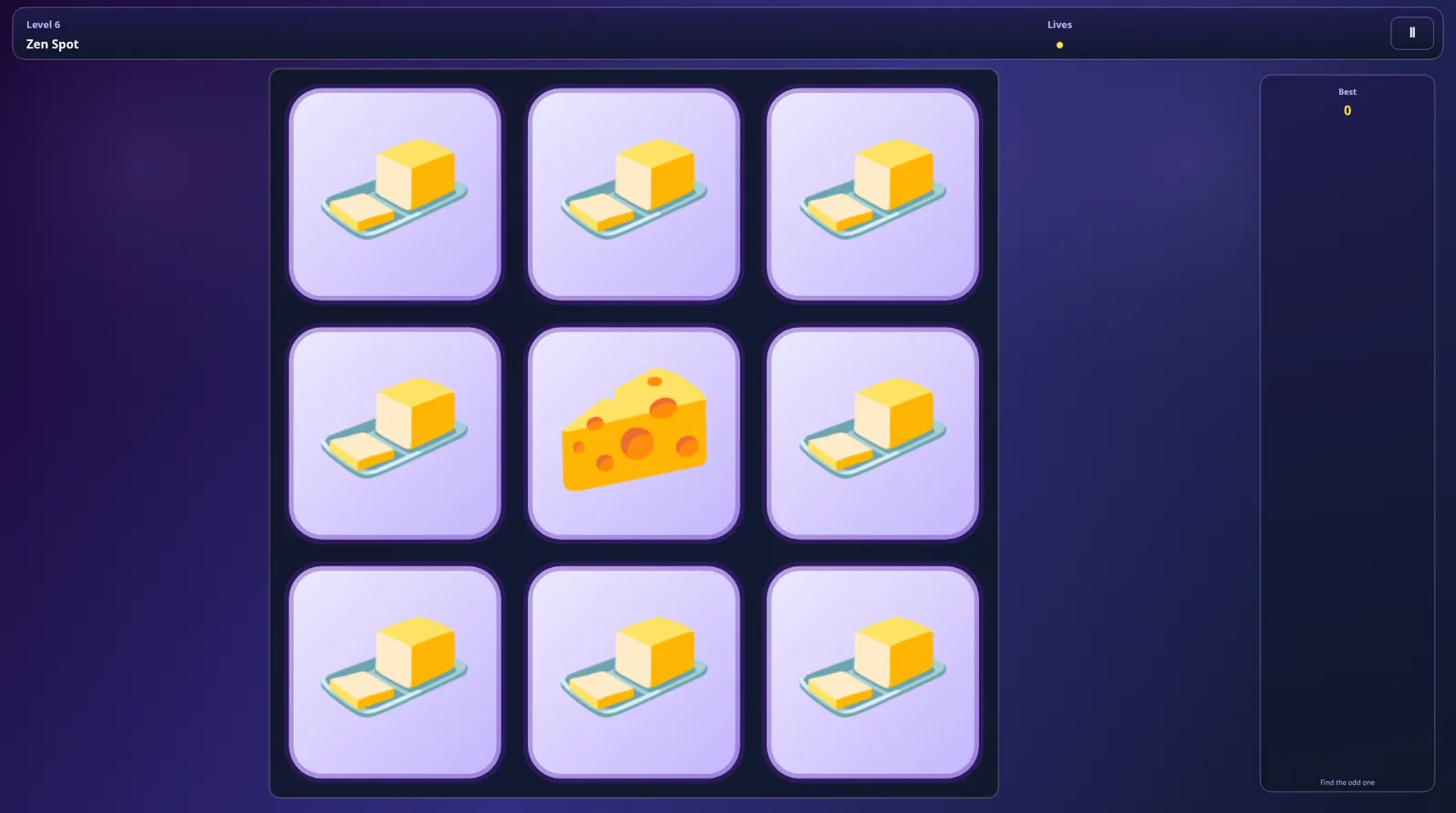
Zen Spot has no timer. The HUD shows Lives as three yellow dots. A wrong tap costs one dot and deals a new grid at the same level, so the run does not end straight away. A right tap moves you up a level. We cleared 5 rounds, reached level 6 with one life left, and ended on Score: 5 after the third mistake.
Leaderboard and Collection
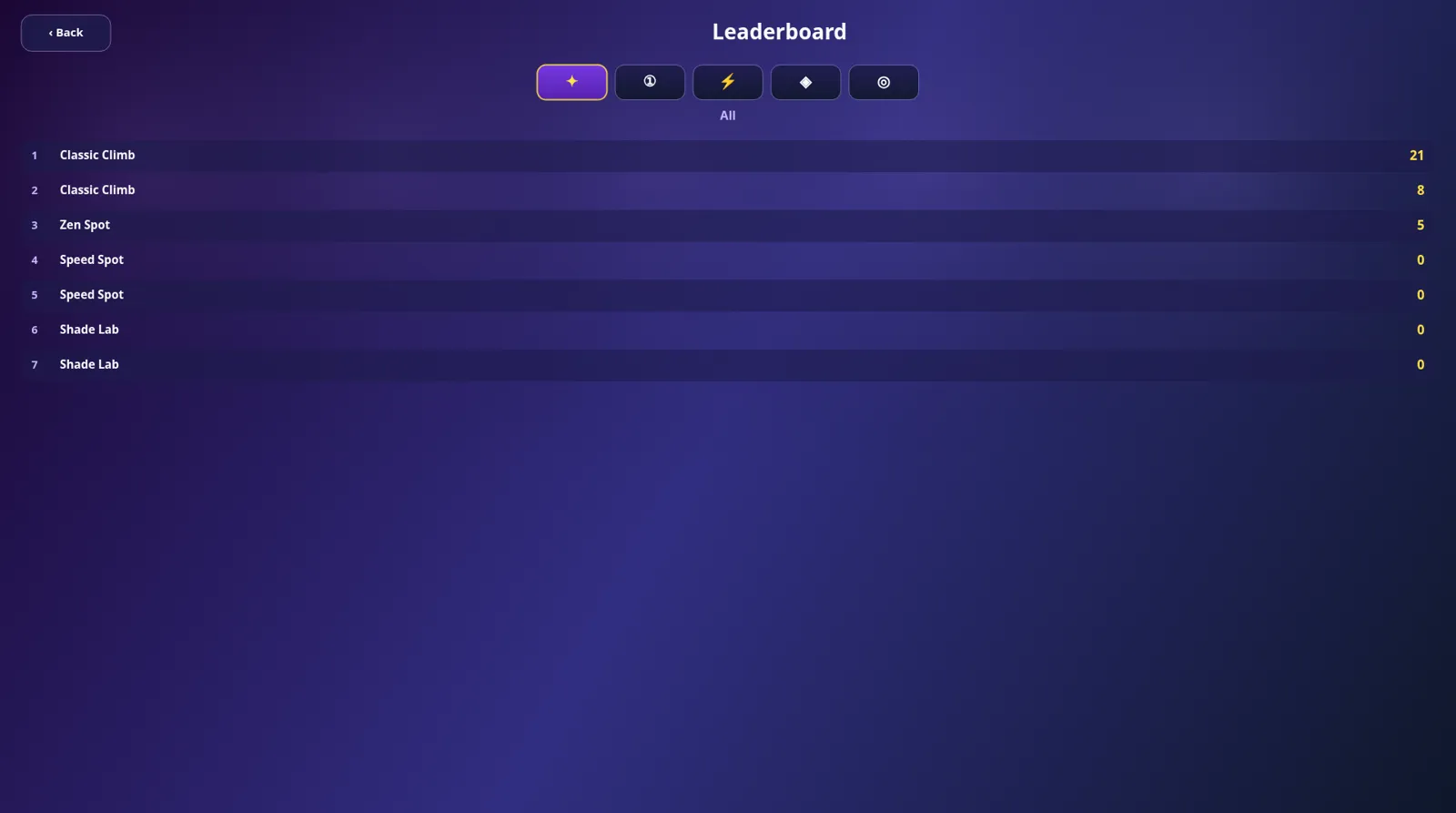
Leaderboard listed all seven of our runs under All: Classic Climb 21 and 8, Zen Spot 5, and two zero runs each for Speed Spot and Shade Lab. The mode filters show one mode at a time; the Classic Climb filter showed just our 21 and 8. We only checked this inside one browser session.
Collection keeps the picture pairs you have met. After our session it read Discovered 29/66, across two pages.
Tips for your first runs
- Start in Zen Spot. With no timer and three lives, it is the easiest way to learn what an odd tile looks like.
- In Classic, never guess. Running out of time and a wrong tap both end the run, so a guess gains you nothing.
- Scan in rows. From the 5×5 grids on, sweeping row by row worked better for us than staring at the middle.
- Look for colour first, then shape. Most odd tiles we met had a different colour (ladybug, green apple), which jumps out faster than a different outline.
- Give Speed and Shade a fast hand. At 5s and 7.5s per round, keep your pointer on the grid and tap as soon as you see the odd one.