Brick Blitz is a falling-block puzzle with a twist: bricks carry link marks that glue them into clusters, and clearing a row changes the links around it. It plays in the browser at tyttoot.com/play/brick-blitz/.
We played the web build on 22 October 2026 in the browser with a mouse and keyboard, on Campaign stage 1-1 at Classic difficulty. To be upfront: we lost both rounds. Our best was 100 points and 1 line out of the 7 the stage asks for, so we did not earn a crown. Here is what we saw and what we would do differently.
Home screen and language
The game opened in Vietnamese for us (Gạch Liên Kết, with a Bắt đầu button). The globe icon at the top right opens a list of 8 languages; we chose English. One small quirk: the language dialog stayed open after we picked, until we clicked outside it.
What Help says
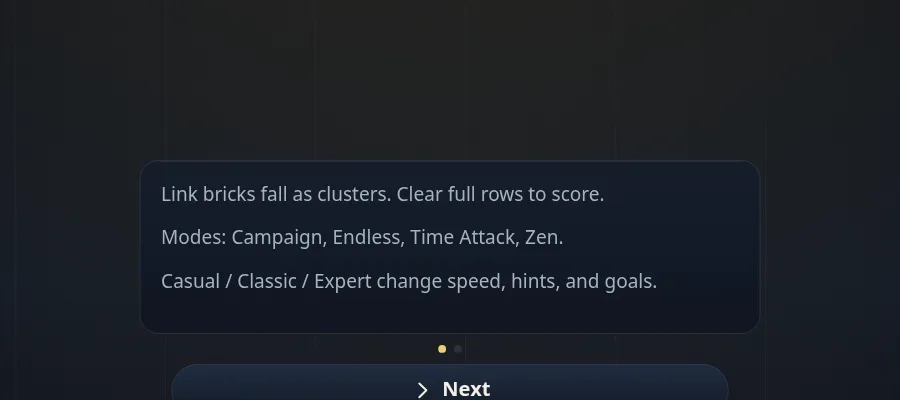
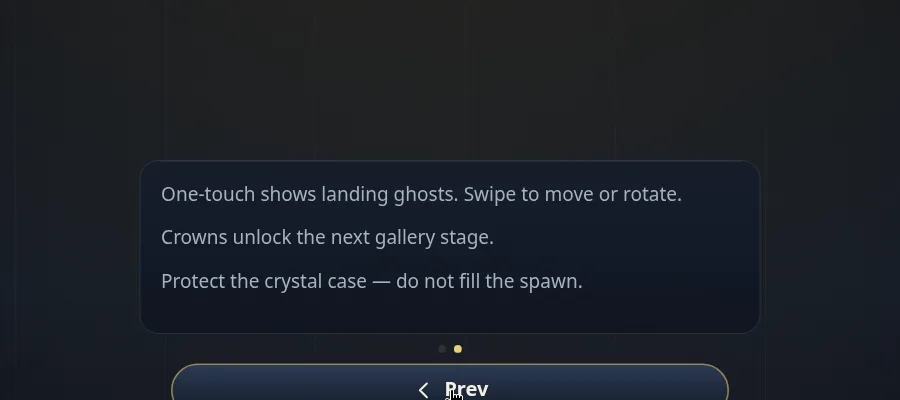
Help has two pages, and they are worth reading before you start:
- Link bricks fall as clusters. Clear full rows to score. Modes: Campaign, Endless, Time Attack, Zen. Casual / Classic / Expert change speed, hints, and goals.
- One-touch shows landing ghosts. Swipe to move or rotate. Crowns unlock the next gallery stage. Protect the crystal case — do not fill the spawn.
Modes and difficulty
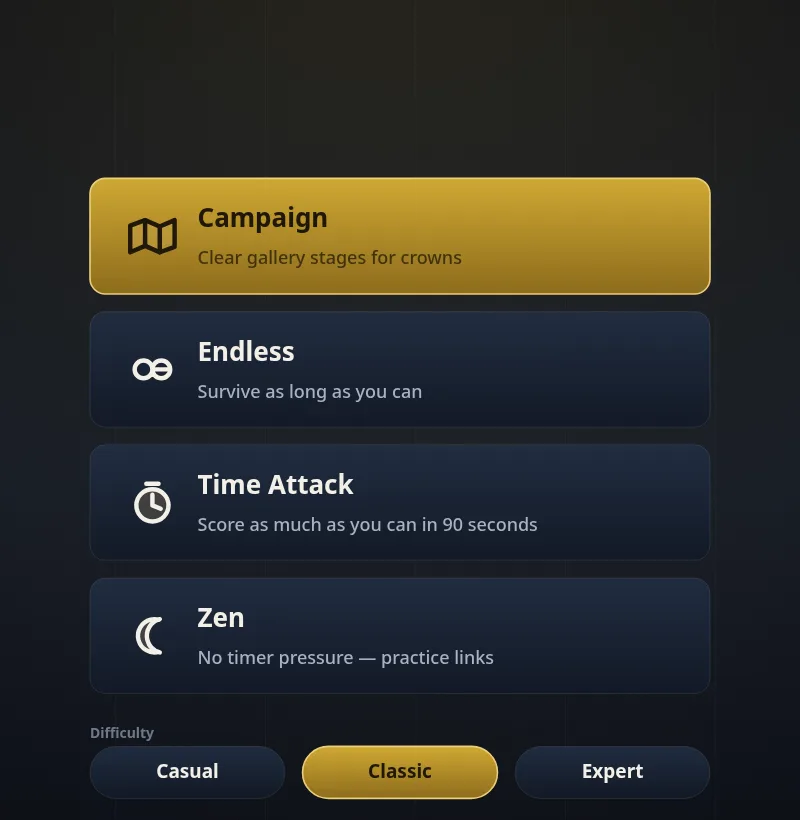
Modes lists four ways to play:
- Campaign: clear gallery stages for crowns.
- Endless: survive as long as you can.
- Time Attack: score as much as you can in 90 seconds.
- Zen: no timer pressure.
Below them you pick Casual, Classic or Expert. Classic was selected by default, and that is what we played.
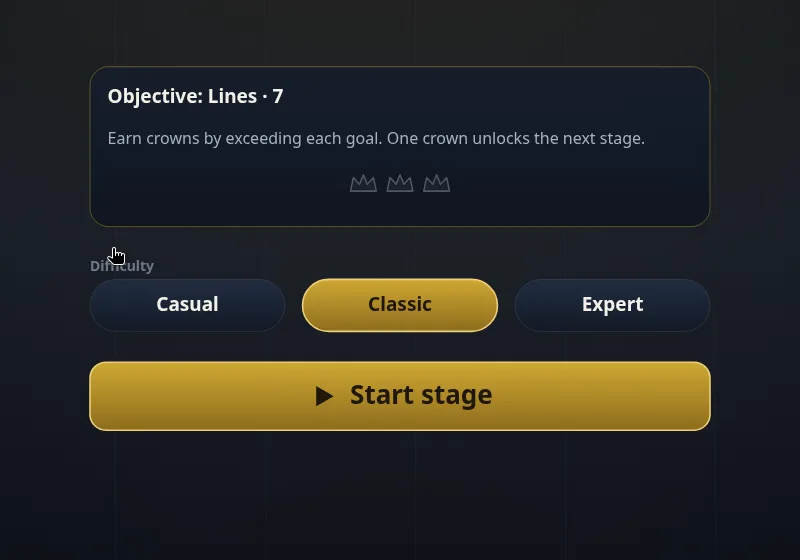
The Campaign has five chapters: Glass Foyer, Copper Hall, Obsidian Vault, Prism Atelier and Night Gallery. Only chapter 1 was open for us. Stage 1-1 shows its objective, Lines · 7, and explains: Earn crowns by exceeding each goal. One crown unlocks the next stage.
The four-page tutorial
Starting the stage opens a short tutorial:
- Links glue bricks into clusters — connected glass falls together.
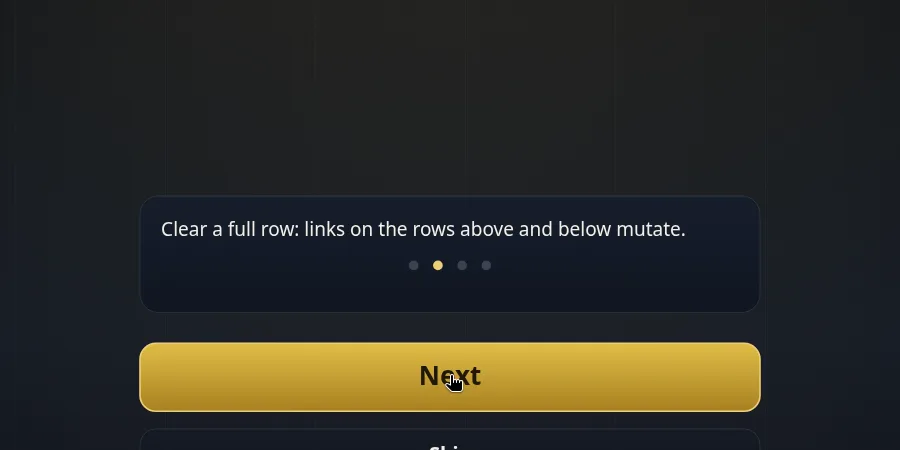
- Clear a full row: links on the rows above and below mutate.
- One-touch ghosts show up to three safe landings — tap to place.
- Hold stores a piece. Rotate with ↑ or the Rotate button.
The board
The board is 10 columns wide. Across the top you see SCORE, LEVEL and TIDE. Hold sits on the left, Next on the right (one piece of preview), and under Next there are three buttons: Rotate, Hold and a … button, with the label One touch: On. A Lines bar under the board tracks the stage goal.
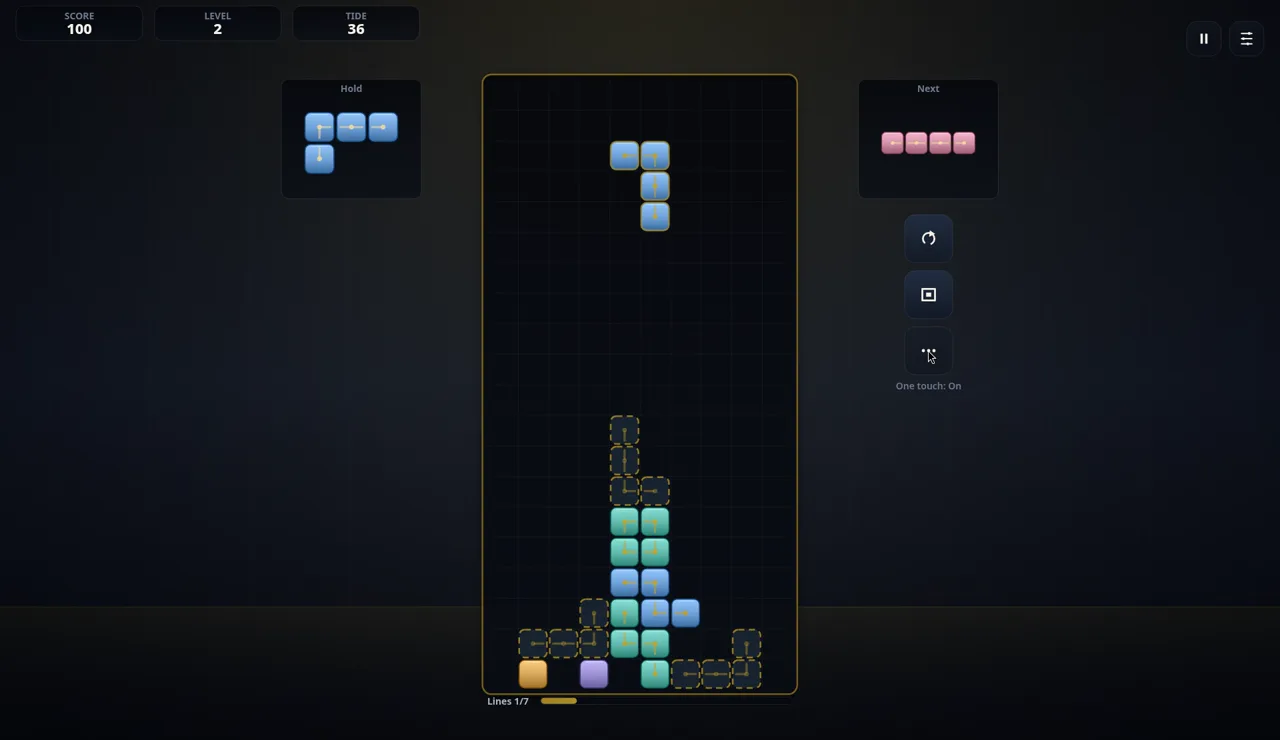
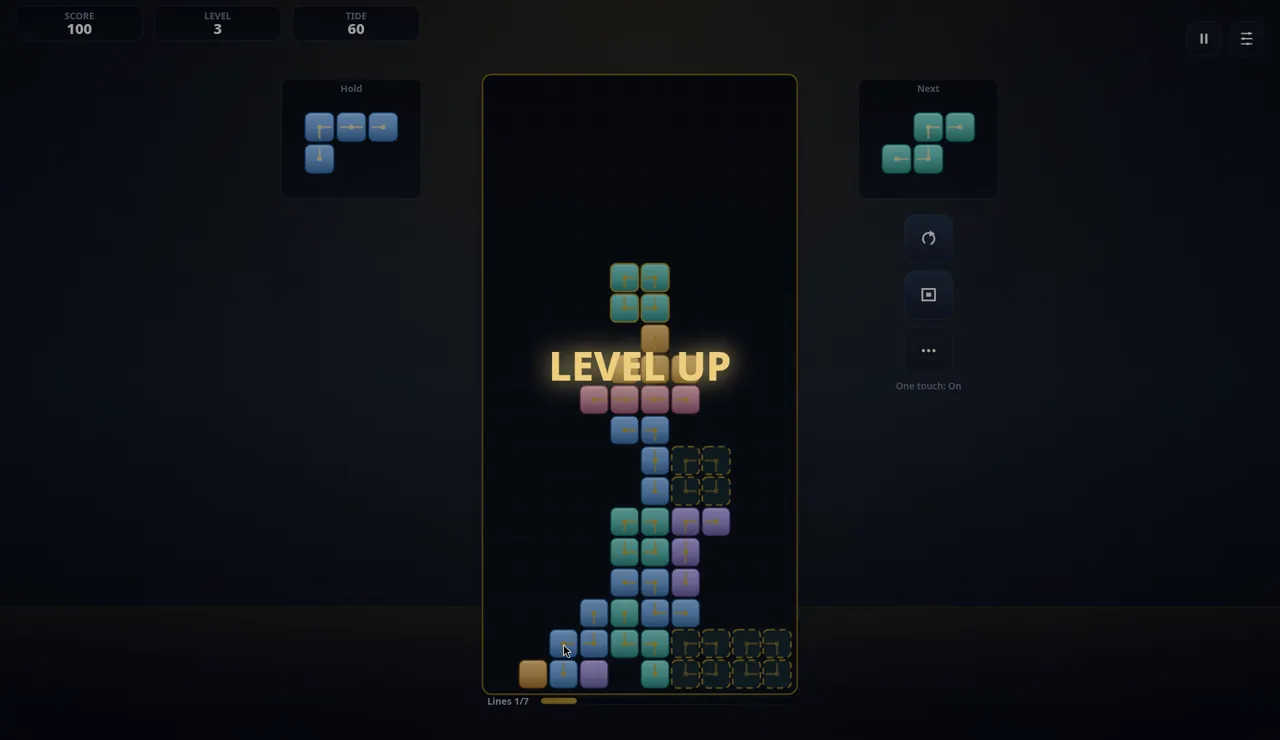
TIDE is a 60-second countdown. When it reaches 0, a LEVEL UP banner appears, LEVEL goes up by one and TIDE starts again at about 60. In our run the board was not cleared on level-up: the stack stayed where it was and the score did not change.
How we actually placed pieces
Pieces fall on their own, and fairly quickly. With One touch on, the reliable way for us to play was to click one of the dashed ghost outlines: the piece drops straight into that spot. Each piece offered up to about three ghosts, and they changed with every piece.
If you do nothing, the piece simply lands where it falls, which in our first round meant a tower straight up the middle. Our keyboard presses had little visible effect for us (the Up arrow may have rotated one piece once), so we can only point to the tutorial's own line about ↑ for rotating; we could not confirm more than that.
Hold works: clicking it stored our blue piece and brought in the next one. Our first click during the LEVEL UP banner was ignored, so wait for the banner to go.
The game's description mentions a score multiplier and one-touch AI hints with up to three placement pages. We did not see a multiplier on screen, and we could not tell for sure which button is the AI hint (the … button seemed to change the ghost spots, but we would not swear to what it does). The ghost suggestions are what we relied on.
Our two rounds
Round 1: we placed too few pieces by hand, the auto-drops piled up in the centre, and the stack reached the top. Gallery lost, score 0, lines 0.
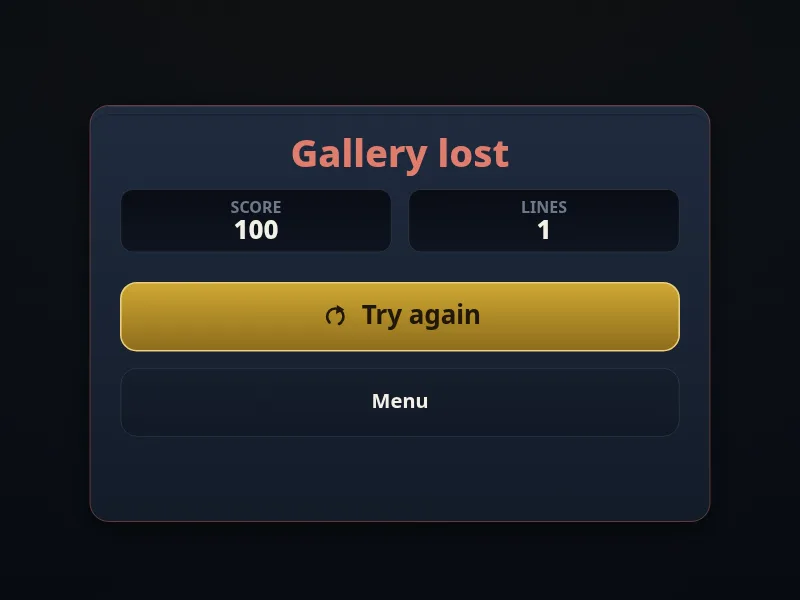
Round 2: this time we clicked ghosts to fill the bottom row from edge to edge, and it cleared: the score went from 0 to 100, the bar showed Lines 1/7, and a small +1 floated up. The two bricks that had been above the cleared row dropped one row and came back as plain squares without link marks. That fits the tutorial's links mutate, though we could not compare them closely enough to say exactly what changed. After that came level 2, level 3, and the stack reached the spawn area.
Tips for stage 1-1
- Click ghosts early. Do not let pieces auto-drop in the centre; that is how our first round died.
- Fill the bottom row edge to edge before stacking higher. One full row is what got us our only line.
- Keep the middle low. The spawn is at the top centre, and do not fill the spawn is the losing condition.
- Use Hold for a piece that does not fit anywhere useful right now.
- Consider starting easier. We only played Classic, but Help says Casual changes speed, hints and goals, and Zen has no timer pressure, so either looks like a gentler way to learn the link rules.