In short
Origami Art is a catalog of 31 paper models, each taught with a sequence of real fold photographs. You open a model, then move through Step X of Y with swipe, tap, or the keyboard until the progress bar fills and Done appears. No points, no account, no download wall on the web build we tried.
What we checked on the web version
- Load screen with the tyttoot mark, then a washi-paper catalog: “Swipe or tap a guide,” Page N of 3, Prev/Next.
- Cards show a finished-model photo, the name, and a blue step-count badge (we saw totals from 17 up to 202).
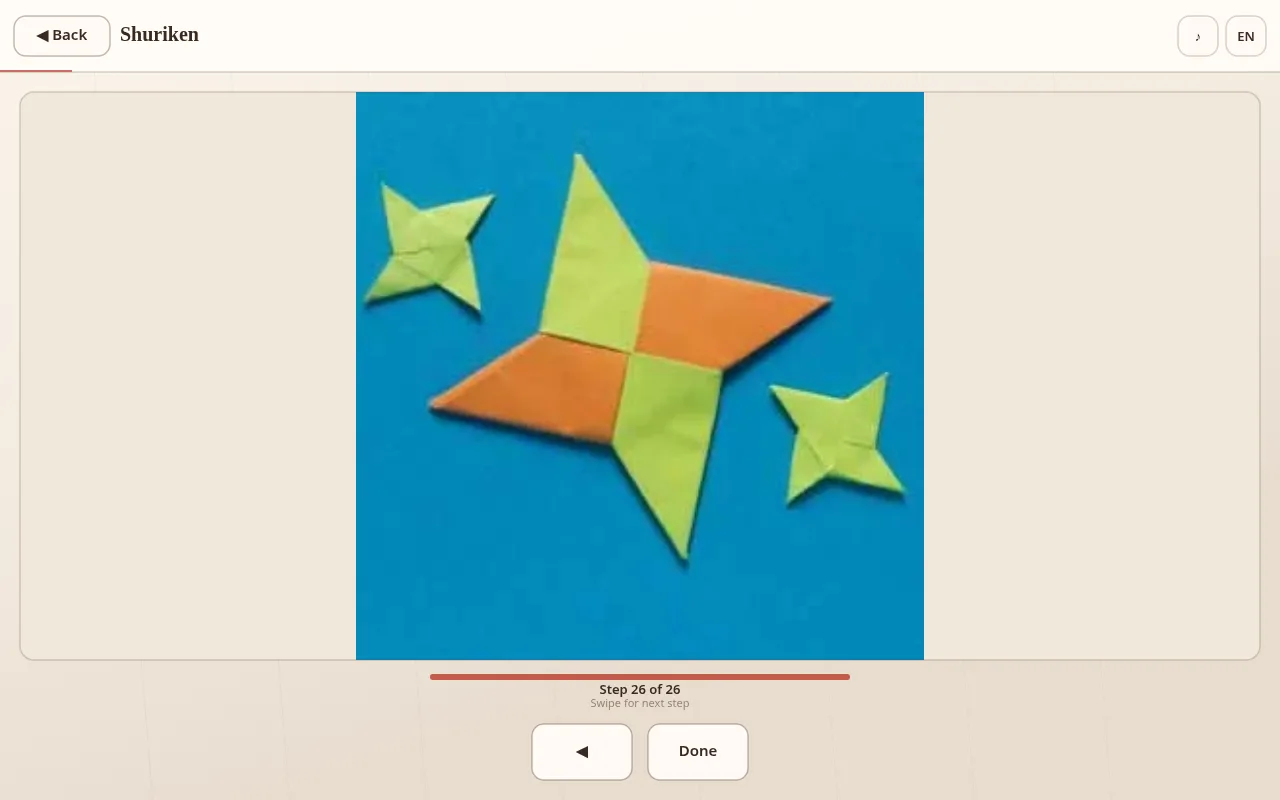
- Opening a model brings a fullscreen step viewer: Back, model title, large photo, progress bar, step label, and arrow controls (Done on the last step).
- Arrow keys and the on-screen arrows both advanced steps; Back returned to the catalog.
- An EN language control sits top-right; we folded in English.
- Offline once loaded — nothing asked us to sign in.
Our fold-through of the 26-step Shuriken, with catalog notes and screenshots, is in Origami Art: fold your first models with the photographed step guides.